

Workflow automation uses software to execute repetitive business tasks without manual intervention, transforming how organizations operate at scale. In fact, research by McKinsey Global Institute estimates that around 57% of total work hours consist of tasks that are technically automatable – a strong indicator of how much day-to-day work remains structured, repeatable, and rule-based.
Whether you're drowning in manual data entry, struggling with disconnected tools, or watching your team waste hours on repetitive work, workflow automation is the infrastructure that fixes these problems. This guide walks you through what workflow automation actually is, how it works, the current tool landscape, and exactly how to get started implementing it in your organization.
Key Takeaways (TL;DR)
Why Workflow Automation Matters: For modern organizations, implementing workflow automation is the difference between scalable growth and drowning in manual data entry and disconnected tools.
The Problem: Most teams waste 40-60% of their time on repetitive "robot work," leading to human error, high operational costs, and an inability to scale without massive headcount increases.
The Solution: Modern no-code and low-code platforms like n8n, Zapier, and Make.com provide the infrastructure to execute tasks automatically, ensuring consistency and reclaiming hundreds of hours for high-value strategic work.
The Implementation: Success follows a proven roadmap – audit and map your workflows first, select the right tool for your technical level, and start with high-impact "quick wins" like lead routing or invoice processing to see ROI within 30-60 days.
What Is Workflow Automation?
Think of workflow automation like how your computer converts ones and zeros into the visual interface you see on screen. Behind every button click, every form submission, every email you send, there's a series of backend processes executing in sequence. Workflow automation does the same thing for your business processes – it takes the manual steps your team performs repeatedly and converts them into automated sequences that execute without human intervention.
The core concept is simple: trigger + conditions + actions = automation. When a lead fills out a form (trigger), the system checks if their company has over 100 employees (conditions). If so, the system automatically adds them to your CRM, sends a welcome email, and assigns them to a sales rep (actions). No human touches the process.
The evolution from manual processes to automation happened gradually. Twenty years ago, you needed a developer to write custom code for every automation. Then came APIs and webhooks, which reduced the barrier but still required technical expertise. Today's no-code platforms democratized automation – anyone can build workflows without writing a single line of code.
The Mechanics of Modern Automation
Unlike traditional coding, modern automation uses visual interfaces to define logic, abstracting complex API calls into manageable building blocks. Platforms like Zapier use linear, form-based logic ideal for simple sequences, while Make.com utilizes a multi-dimensional node-based builder for complex branching. n8n bridges the gap, offering a mix of visual nodes and custom JavaScript snippets for technical flexibility and granular data manipulation.
The power of these tools lies in their integration points, which act as translators between disparate software ecosystems. Most platforms offer thousands of pre-built connectors for popular SaaS apps, handling the authentication and data mapping automatically. If a specific tool isn't supported out-of-the-box, you can typically connect it using webhooks or custom API requests to GET or POST data to specific endpoints.
Organizations generally deploy two types of triggers to initiate these sequences: real-time triggers, which execute immediately when an event occurs and are critical for time-sensitive customer-facing tasks, and scheduled triggers, which run at specific intervals to handle batch processing, such as generating daily performance reports or performing weekly database synchronizations. For teams building multi-source prospecting workflows with advanced data enrichment, our complete guide to Clay automation walks through building end-to-end lead generation systems.
Why Automate Workflows?
The business case for workflow automation is straightforward: it allows organizations to eliminate repetitive work, drastically reduce human error, and scale operations without a proportional increase in headcount.
Significant Time Savings: Automation can reclaim 40-60% of the time previously spent on repetitive tasks. For example, a sales rep can trade hours of manual data entry for actual selling, while a finance team can automate up to 80% of monthly invoice processing.
Reduced Errors through Consistency: Unlike humans, automation executes the same process identically every single time. This eliminates typos, missed follow-ups, and inconsistent formatting, leading to higher data quality across the organization.
Direct and Indirect Cost Savings: By reducing manual labor hours and the need for expensive error correction, companies can see massive financial returns. A mid-market company automating invoice processing can save upwards of $50,000 annually in labor costs alone.
Increased Productivity and Engagement: When teams stop doing "robot work," they can focus on high-value human work. This shift from data entry to strategic analysis or problem-solving improves job satisfaction and reduces employee burnout.
Seamless Scalability: Manual processes require more people to handle more volume, but automated workflows scale with minimal additional cost. This allows you to handle 10x the volume using your existing infrastructure.
Enhanced Process Visibility: Automated workflows provide clear data on every step of a process. This visibility makes it easy to identify bottlenecks and optimize performance based on real-time insights.
These efficiency gains free up resources to focus on strategic initiatives. If you're a startup building your go-to-market motion from scratch, see our complete GTM strategy guide for how automation fits into your broader growth plan.
Popular Workflow Automation Platforms
The workflow automation market has exploded over the past five years, offering dozens of viable options. While many platforms exist, understanding the most widely used tools helps you choose the right starting point for your needs.
Quick Comparison Table
n8n | Zapier | Make.com | |
Description | A flexible, low-code platform that allows for self-hosting and deep customization using JavaScript. | A user-friendly, no-code leader focused on connecting thousands of apps with simple linear logic. | A visual, node-based automation tool designed for building complex, branching workflows. |
Best For | Technical teams, custom workflows, self-hosted control | Non-technical users, quick setup, popular apps | Visual workflow builders, complex logic |
Pricing Model | Open-source + cloud plans | Per-task pricing | Per-operation pricing |
Integration Count | 400+ | 7,000+ | 1,000+ |
Learning Curve | Medium | Low | Low-Medium |
n8n: The Technical Favorite
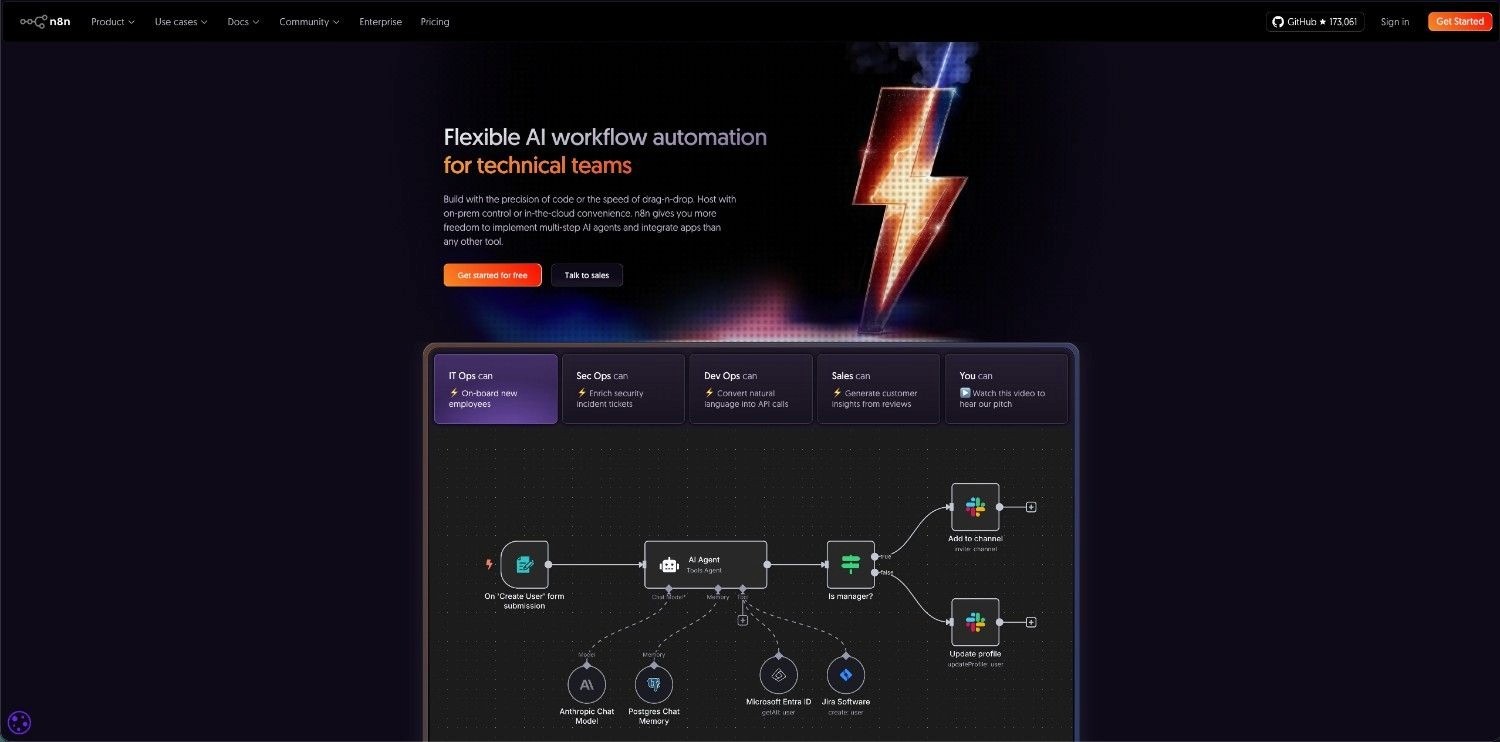
n8n is an open-source workflow automation platform that appeals to technical teams and organizations wanting control over their infrastructure. You can self-host n8n on your own servers or use their cloud offering. The platform offers both visual workflow builders and code-based customization, giving technical teams flexibility that other platforms don't provide.
n8n excels at complex, custom workflows. If you need to build something that doesn't fit standard templates, n8n's code capabilities let you do it. The platform supports 400+ integrations and allows custom integrations through webhooks and APIs. Pricing is transparent – open-source is free, cloud plans start at $20/month.
The tradeoff: n8n has a steeper learning curve than Zapier or Make.com. Non-technical users might struggle with the interface. But for organizations with technical resources, n8n offers superior flexibility and cost efficiency at scale.
Zapier: The Market Leader
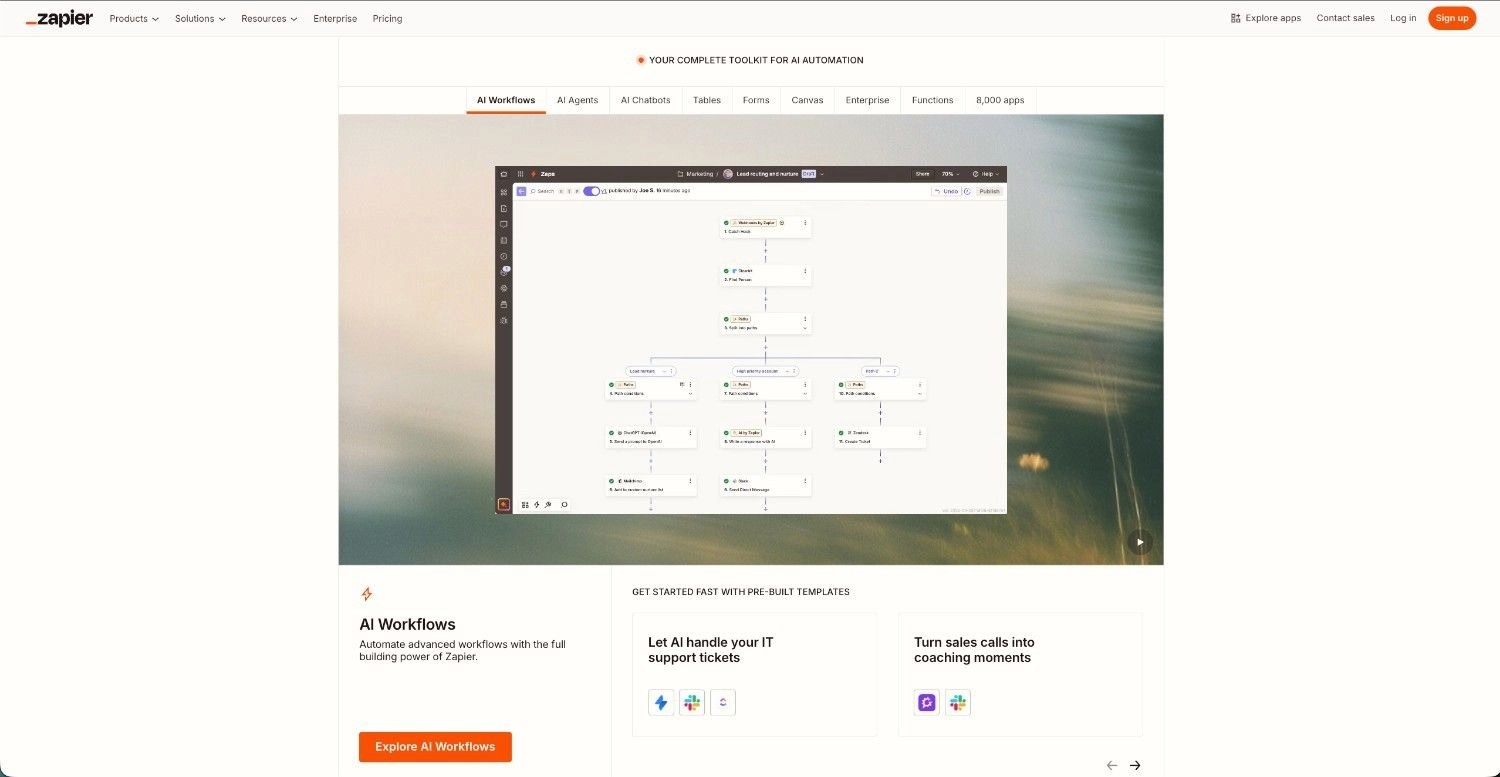
Zapier dominates the no-code automation market with 7,000+ integrations and millions of users. The platform is designed for non-technical users – you select a trigger app, choose an action app, and map fields. Zapier handles the complexity behind the scenes.
Zapier's strength is simplicity and breadth of integrations. If you want to connect two popular apps, Zapier probably has a pre-built integration. The platform is ideal for small teams and non-technical users who need quick automation without learning curves.
The limitation: Zapier's pricing model charges per task (automation execution). At scale, this becomes expensive. A workflow that runs 10,000 times monthly might cost $500+. For high-volume automation, this pricing model becomes prohibitive.
Make.com: The Visual Builder
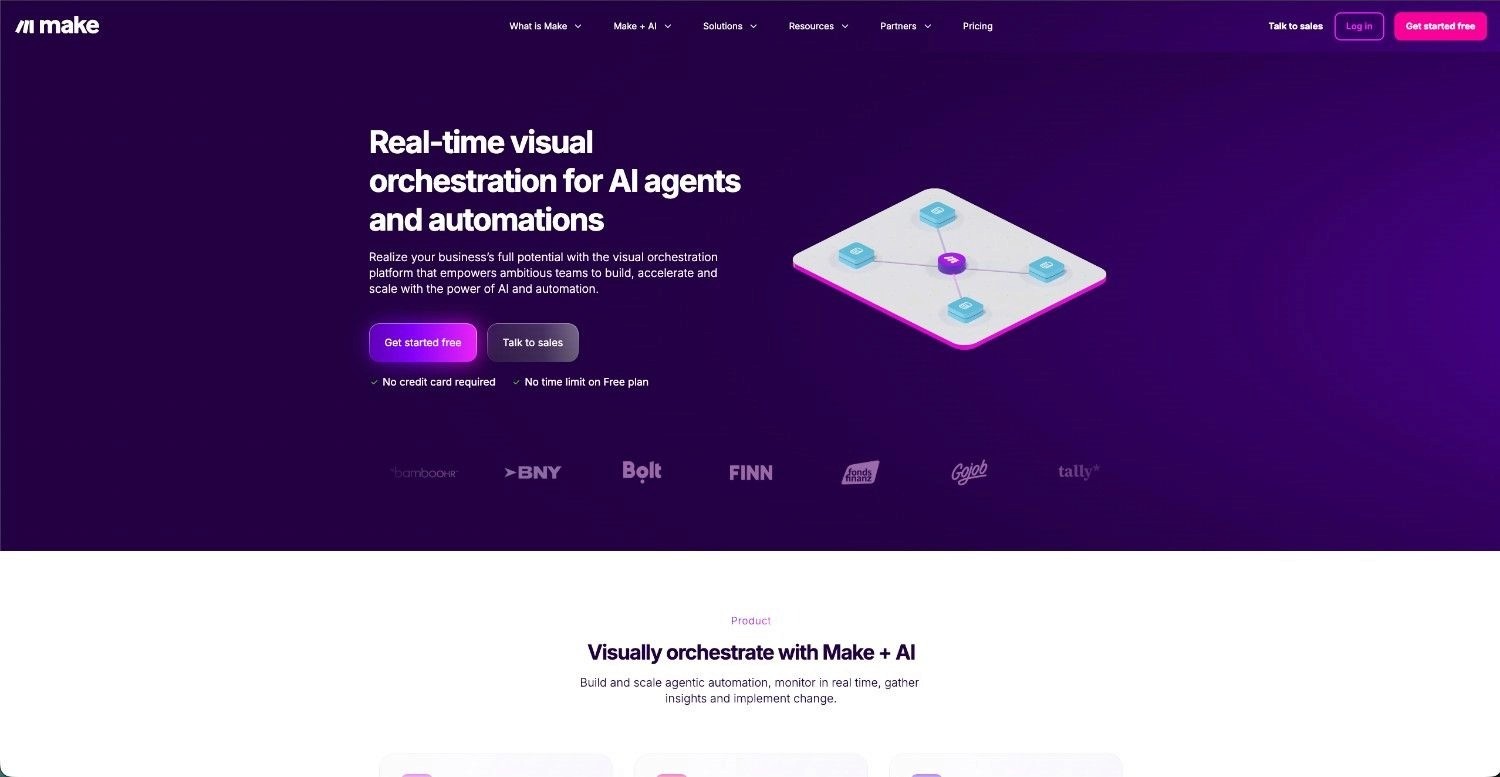
Make.com positions itself between Zapier's simplicity and n8n's flexibility. The platform uses a visual node-based builder where you drag boxes and connect them, making complex logic visible and intuitive. Make.com supports 1,000+ integrations and handles complex workflows better than Zapier.
Make.com's pricing is operation-based (similar to Zapier but with different calculation methods). For many use cases, Make.com is more cost-effective than Zapier while offering more power than Zapier's simple trigger-action model.
No-Code vs. Low-Code Distinctions
No-code platforms (Zapier, Make.com) require zero coding knowledge. You use visual interfaces to build workflows. Low-code platforms (n8n) offer visual builders but also allow code customization for advanced use cases. Choose no-code if your team is non-technical and your workflows are relatively standard. Choose low-code if you have technical resources and need custom logic.
Selection Criteria
When evaluating automation tools, consider these factors:
Criterion | Key Considerations |
Integration breadth | Does the platform connect to your specific tools? |
Pricing model | Per-task, per-operation, or flat-rate? What's your expected volume? |
Complexity support | Can it handle your workflow logic, or is it too simple? |
Learning curve | How quickly can your team get productive? |
Support and community | Is there documentation and community help available? |
Scalability | Will the tool grow with your needs, or will you outgrow it? |
For most organizations, Zapier or Make.com is the right starting point. They're accessible, affordable for initial automation, and have massive integration libraries. As you scale and encounter limitations, you might migrate to n8n. However, your automation platform is just one piece of your broader infrastructure. See our guide to building a scalable GTM tech stack for how automation tools fit into your overall system architecture.
How to Get Started: Implementation Strategy
Getting started with workflow automation doesn't require a massive project plan. You can start small, prove value, and expand from there.
Identifying Automation Opportunities
Start by conducting a comprehensive audit of your current operational workflows to pinpoint hidden inefficiencies. Where is your team losing the most hours to repetitive, manual labor? To find the highest-impact opportunities, look for processes that meet these specific criteria:
Repetitive: The same steps happen every time (data entry, email sending, file moving)
Rule-based: Clear logic determines what happens next (if X, then Y)
High-volume: The process happens frequently enough that automation saves meaningful time
Low-complexity: The process doesn't require complex decision-making or human judgment
Good candidates include lead routing, invoice processing, onboarding workflows, report generation, and data syncing between tools. Avoid automating processes that are poorly designed or require frequent human judgment.
Mapping Workflows and Defining Triggers/Actions
Once you've identified an opportunity, map the current workflow in its "as-is" state. Document every manual touchpoint, decision branch, and software tool involved. This visualization often reveals hidden bottlenecks or redundant steps, allowing you to optimize and simplify the process before applying automation – preventing you from simply "automating the mess."
Define your trigger with high precision. What exact event or data change initiates the sequence? Is it a new form submission, a specific status change in your CRM, or a scheduled cron job? Be specific: "new lead" is too vague to build logic around; "new form submission from website where 'Industry' equals 'Technology'" provides the clear data structure needed for reliable execution.
Define your actions explicitly and consider the data mapping between them. What should happen when the trigger occurs? Beyond simple tasks like creating a record or sending an email, think about data transformation – formatting dates, calculating values, or filtering results. List every action in a logical sequence, ensuring that the output of one step provides the necessary input for the next.
Testing, Refining, and Monitoring
Don't launch automation into production immediately. Test thoroughly with sample data first, ensuring you cover various scenarios to see how the logic holds up. Run the workflow 10-20 times and verify that every step executes correctly, checking that data is flowing to the right destinations and that no API rate limits or authentication errors are triggered.
Once you launch, monitor the workflow closely for the first week. Are there errors? Are there edge cases, such as international characters or specific user behaviors, that you didn't anticipate? Most workflows require iterative tweaks after launch to handle real-world variability. Be prepared to adjust filters and logic based on these initial findings.
Set up robust monitoring and automated alerts. If a workflow fails, you need to know immediately via email or Slack rather than discovering the issue days later. Most platforms provide detailed error notifications and execution logs that pinpoint exactly which node or step failed. Review these logs regularly to identify patterns of instability and fix underlying issues before they impact your operations at scale.
Common Use Cases for Workflow Automation
Department | Automation Opportunities | Key Benefits |
|---|---|---|
HR & People | Onboarding paperwork, account provisioning, training scheduling, offboarding workflows. | Reduces onboarding from days to hours; ensures compliance. |
Marketing | Lead nurturing sequences, engagement scoring, content distribution, lead handoff. | Creates a 24/7 scalable nurturing machine; improves lead quality. |
Sales | Lead routing, CRM data enrichment, activity logging, follow-up reminders. | Eliminates manual data entry; keeps pipeline forecasts accurate. |
Finance | Invoice data extraction, PO matching, approval routing, payment reconciliation. | Drops processing time from 15 minutes to seconds per invoice. |
Support | Ticket categorization, intelligent routing, automated status updates, escalation. | Improves response times; ensures no tickets are lost. |
IT | Password resets, access provisioning, incident alerts, ticket routing. | Reduces overhead; improves security response speed. |
Workflow Automation Best Practices
Best Practice 1: Start Small With Quick Wins
Avoid the "boil the ocean" approach. Instead, identify a "low-hanging fruit" workflow – one that is high-frequency but low-complexity, such as lead notifications or data syncing between two primary tools. Successfully automating a single process that saves five hours a week provides the tangible proof-of-concept needed to secure executive buy-in and internal resources for more ambitious, cross-departmental initiatives.
Best Practice 2: Document and Version Control Workflows
Treat your automated workflows with the same rigor as software code. Maintain a centralized "Automation Registry" that documents the purpose of each workflow, its dependencies, and the specific data mapping used. Whenever possible, use platforms that support version history or export your workflow configurations to a repository like GitHub. This ensures that if a change causes a break, you can roll back to a stable state instantly and prevent knowledge silos when team members depart.
Best Practice 3: Plan for Scalability and Maintenance
Design your workflows to handle 10x your current volume. A process that works for 100 leads a month might hit API rate limits or exceed your budget if that number jumps to 1,000. Use modular design – breaking large, monolithic workflows into smaller, interconnected "sub-processes" – to make troubleshooting easier and allow for individual components to be upgraded without taking down the entire system. Always designate a "Process Owner" responsible for the long-term health and evolution of the automation.
Common Mistakes in Workflow Automation
Mistake 1: Automating Without Proper Workflow Analysis
The biggest mistake organizations make is automating a poorly designed or redundant process – a practice often called "paving the cow path." If a manual process contains unnecessary steps, bottlenecks, or circular logic, automation only serves to accelerate those inefficiencies. You end up with a fast, broken workflow instead of a slow, broken one. Before building, conduct a "Value Stream Map" to identify waste and ensure the process is lean and optimized in its manual state.
Mistake 2: Over-Automating and Automating Low-Value Tasks
A common trap is the "automate everything" mindset, which leads to automating unnecessary processes that provide little to no ROI. Over-automation creates a bloated infrastructure that is expensive to maintain and can lead to skyrocketing per-task costs. Before building, always validate that the automation actually adds value – if a task only takes a human two minutes a month, the cost of building and monitoring its automated counterpart likely outweighs the benefits. Focus on high-impact workflows rather than automating for the sake of automation.
Mistake 3: Neglecting Monitoring and Optimization
Automation is rarely "set-and-forget." External factors – such as a SaaS provider updating their API, a change in data schema, or an expired authentication token – can cause silent failures that ripple through your operations. Without a dedicated monitoring strategy and error-handling logic (like "try/catch" blocks or dead-letter queues), a single failure can go unnoticed for days. Budget time for weekly log reviews and quarterly process audits from day one.
The Future of Workflow Automation
The workflow automation market is at an inflection point. Current market leaders face disruption from AI-native solutions, and the competitive landscape will look very different in 2-3 years. Current platforms (Zapier, Make.com) are rule-based – you define the logic explicitly. AI-native platforms will be intent-based – you describe what you want, and the AI figures out how to do it. This is a fundamental shift in how automation works.
We're already seeing this happen. OpenAI's agent builder, Claude's code generation, and other AI-native tools are enabling automation without traditional automation platforms. Instead of building a workflow in Zapier, you might describe your automation to Claude, and it generates the code to execute it.
If you're evaluating automation platforms, consider the vendor's AI roadmap. Are they investing in AI integration? Do they have partnerships with AI providers? Are they building AI capabilities in-house? Organizations should monitor this space closely. The automation tool you choose today might not be the right choice in 2-3 years as the market evolves.
For organizations already using Zapier or Make.com, don't panic. These platforms will continue to work and improve. But start experimenting with AI-native solutions. Build some workflows in Claude or other AI tools. Understand how AI-powered automation differs from rule-based automation. This positions you to adapt as the market evolves.
Ready to Automate Your Workflows?
You now understand what workflow automation is, how it works, and why it matters. The next step is implementation. Start with one high-impact workflow. Identify a process where your team spends significant time on repetitive work. Map the workflow. Choose a tool. Build and test it. Measure the impact.
Most organizations see ROI within 30-60 days of their first automation. Quick wins build momentum and prove value to stakeholders. From there, you can expand to more complex automations and build a scalable automation infrastructure.
If you need some guidance and expertise especially on GTM engineering and RevOps processes, feel free to reach out and schedule a meeting here.
Frequently Asked Questions
What is workflow automation?
Workflow automation uses software to execute repetitive business tasks automatically based on predefined triggers and actions. When a specific event occurs (trigger), the system automatically performs a series of actions without human intervention. For example, when a new lead fills out a form, the system automatically creates a CRM record, sends a welcome email, and assigns the lead to a sales rep. This eliminates manual work and ensures consistency.
Why is workflow automation important?
Workflow automation is important because it's the infrastructure that enables scaling without proportional cost increases. Manual processes don't scale – if you want to handle 10x the volume, you need 10x the people. Automated processes scale with minimal additional cost. In competitive markets, this scalability advantage is critical.
How does workflow automation benefit your organization?
Workflow automation delivers multiple benefits for organizations: time savings (40-60% reduction in repetitive task time), reduced errors (consistency eliminates human mistakes), cost savings (less manual labor required), increased productivity (your team focuses on strategic work), and scalability (handle more volume without proportional headcount increases). Most organizations see ROI within 30-60 days.
How do I start implementing workflow automation?
Start by identifying automation opportunities – processes that are repetitive, rule-based, high-volume, and relatively simple. Map the current workflow and define triggers and actions. Choose an automation tool (Zapier for simplicity, Make.com for power, n8n for flexibility). Build and test the workflow with sample data. Launch and monitor closely for the first week. Then expand to additional workflows.
What are workflow automation tools and software?
Workflow automation tools are platforms that connect your business applications and automate data flow between them. Popular options include Zapier (7,000+ integrations, simple interface), Make.com (visual builder, good balance of power and simplicity), and n8n (open-source, technical flexibility). Each tool has different strengths depending on your needs.
What is the best workflow automation tool?
There's no single "best" tool – it depends on your specific needs. For non-technical users and quick setup, Zapier is excellent. For more power and visual complexity, Make.com is strong. For technical teams wanting flexibility and control, n8n is ideal. Evaluate tools based on your integration needs, complexity requirements, pricing model, and team skills.
How will AI and generative AI impact workflow automation tools?
Generative AI will fundamentally reshape automation. Current platforms are rule-based (you define logic explicitly). AI-native platforms will be intent-based (you describe what you want, AI figures out how). This shift could disrupt current market leaders like Zapier and Make.com. Organizations should monitor this evolution and experiment with AI-powered automation.