

Key Takeaways (TL;DR)
The Recommended Approach to Email Enrichment: Email enrichment tools are essential for modern B2B prospecting, yet no single tool wins across every market. The most effective B2B prospectors in 2026 run a layered waterfall stack, so they capture verified emails that any single database would miss.
Why You Need It: Manual prospect research is slow, single-source databases decay fast, and sending to unverified emails destroys your sender reputation. A structured enrichment workflow fixes all three.
Who It's For: Technical founders, RevOps leaders, and GTM engineers at B2B SaaS and tech companies who need to build predictable sales pipelines without hiring a full in-house data team.
How to Choose the Right One: Match the tool to your target region first, then check what input data it requires against what you actually have, then evaluate how it integrates with your orchestration layer (Clay, HubSpot, Salesforce, etc.).
Top Email Enrichment Tools in 2026 at a Glance
Tool | Optimal For | Key Strengths | Pricing Model |
Clay | Waterfall enrichment orchestration | Aggregates 50+ data providers, custom workflows, API key integration | Credit-based; bring your own provider keys |
Prospeo | US & Canada email finding | High match rates on North American contacts, LinkedIn input support | Subscription + credits |
LeadMagic | US & Canada enrichment | Strong coverage for North American B2B contacts | Credit-based |
BetterContact | US & Canada + phone enrichment | Email and phone data, API-friendly | Subscription-based |
Apollo.io | All-in-one prospecting | Large built-in database, sequencing, intent data | Freemium to paid tiers |
Cognism | Europe (EMEA/UK) | GDPR-compliant, verified phone and email data | Custom enterprise pricing |
Surfe | European contact enrichment | LinkedIn-native enrichment, strong EU coverage | Subscription-based |
ContactOut | Global + Europe | LinkedIn extension, personal and work email finding | Freemium to paid tiers |
Lusha | Global compliant data | Real-time CRM sync, LinkedIn Sales Navigator integration | Freemium to paid tiers |
Hunter.io | Domain-based email finding | Email pattern detection, bulk finding, verification | Freemium to paid tiers |
ZoomInfo | Enterprise-grade data | Deep firmographics, large database, intent signals | Custom enterprise pricing |
Enrow | Latin America | Strong LATAM coverage | Credit-based |
Datama | Latin America | LATAM-specific contact data | Subscription-based |
Firmable | Australia | Australia-specific B2B data | Subscription-based |
UpLead | Verified email accuracy | Real-time verification, 95% accuracy guarantee | Credit-based |
What Are Email Enrichment Tools?
Email enrichment tools are software products that take partial contact information (a name, a company domain, a LinkedIn URL) and return a verified work email address for that person. The better ones go further, appending firmographic data (company size, industry, revenue), technographic signals (what software the company runs), and contact validity scores that tell you whether an address will bounce before you send.
The core function is straightforward: you feed in what you know, and the tool queries its database (or multiple databases) to fill in what you're missing. What separates a good enrichment tool from a mediocre one is the size and freshness of its underlying data, the geographic markets it covers well, and how cleanly it connects to the rest of your GTM stack.
In 2026, the category has split into two distinct camps:
Single-source databases: tools with their own proprietary contact index. Apollo.io, ZoomInfo, Lusha, and Hunter.io fall here. They're fast and simple, but their coverage is uneven across regions and their data decays over time.
Orchestration layers: tools like Clay that don't maintain their own database but instead route your enrichment requests through 50+ underlying providers in sequence. You get broader coverage because you're not betting on one source, and you can plug in your own provider API keys to control costs.
Most high-performing B2B teams in 2026 use both: a primary database for base data, an orchestration layer for waterfall enrichment, and a dedicated email verification tool before sending.
Why You Need Email Enrichment for B2B Prospecting
Here's the problem most B2B teams run into: your CRM is full of contacts, but a significant portion of them are no longer at the companies listed. Research consistently shows that 40–60% of contacts in a typical B2B CRM no longer work at their associated company. They've changed roles, been laid off, or moved on. You're paying for a database that's quietly rotting.
The downstream effects compound fast:
High bounce rates kill your sender reputation
Email service providers track your bounce rate. Gmail's own Sender Guidelines, the technical standard that governs inbox placement for the world's largest email platform, explicitly advises senders to reduce sending volume when bounce rates rise, and classify hard bounces as a primary signal used in filtering decisions. When your bounce rate climbs, your deliverability drops, your emails land in spam, and your entire outbound program suffers, not just the bad addresses.
Manual research doesn't scale
According to Salesforce's State of Sales report, based on surveys of thousands of sales professionals across 27 countries, reps spend only 28% of their working week on actual selling activities; the remaining 72% goes to administrative work, internal meetings, and manual research tasks including prospect data lookup. That time doesn't compound; it disappears. Every hour spent manually hunting for a work email is an hour not spent on conversations that close deals.
Generic outreach gets ignored
When you can't find verified contact data, you default to generic job-title targeting with no personalization. Reply rates stay low, pipeline stays thin, and the team concludes that outbound "doesn't work", when the real problem is data quality.
Disconnected tools create blind spots
Most growth-stage B2B teams have spent significant budgets on a CRM, an enrichment tool, an outbound platform, and a scoring layer – and none of it talks to each other. Contacts enriched in one tool never make it back to the CRM. Verification results sit in a spreadsheet nobody checks.
Email enrichment tools, deployed correctly inside a structured workflow, solve all of these. They keep your contact data current, reduce bounce rates, and give your outreach the specificity it needs to generate replies.
Effective Email Enrichment Tools: In-Depth Review & Comparison
Overview
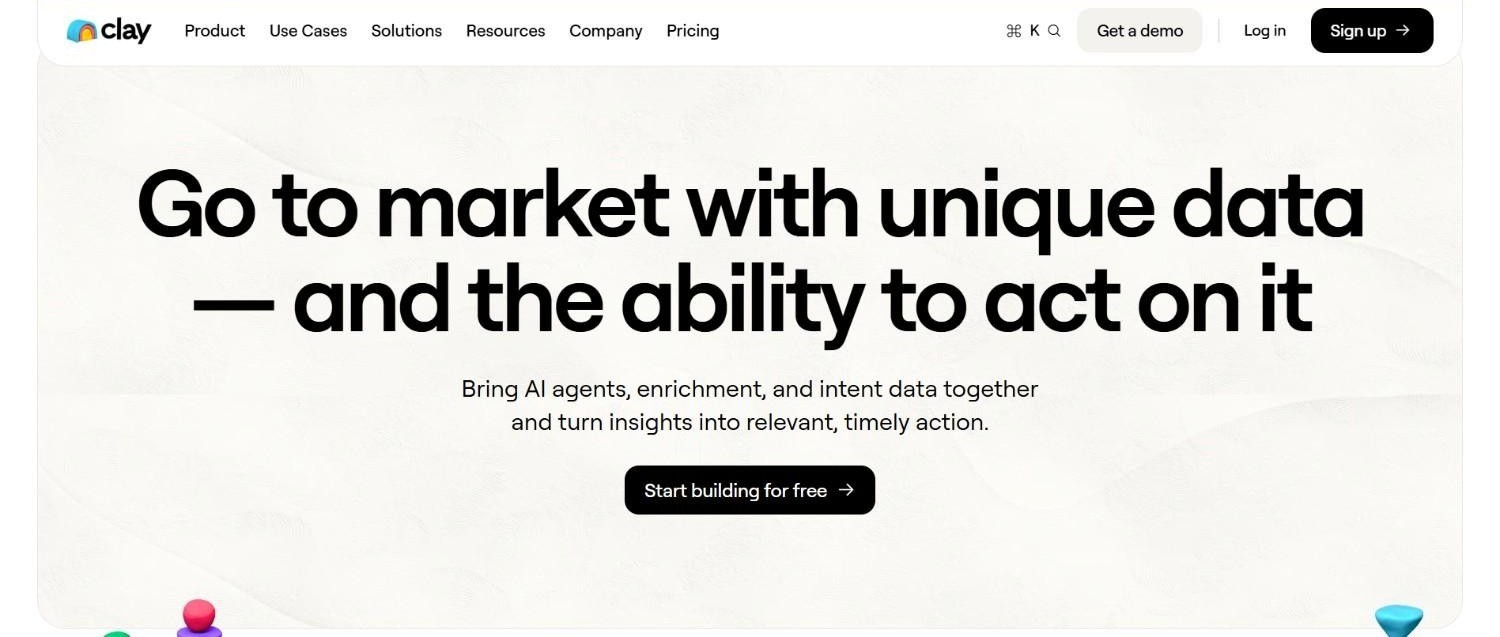
Clay is an enrichment orchestration tool, not a data provider in the traditional sense. Instead of maintaining its own contact database, Clay routes your enrichment requests through a large network of underlying data providers in sequence (a method called waterfall enrichment). You build a table, define your enrichment logic, and Clay queries provider after provider until it finds a verified result. It also functions as a workflow builder, letting you combine enrichment with AI-generated messaging, CRM sync, and outbound triggers in a single interface.
Ideal For
GTM engineers and RevOps leaders building automated enrichment workflows
Teams that want to bring their own provider API keys to control costs
Founders running multi-region prospecting who need flexible provider routing
Agencies managing enrichment for multiple clients with varied data inputs
Anyone building an evergreen enrichment infrastructure that keeps CRM data current automatically
Why It Stands Out
Clay's core advantage is flexibility. Because it aggregates data from 50+ providers, you're not dependent on any single database's coverage gaps. If Prospeo doesn't find an email, Clay automatically tries the next provider in your waterfall sequence. You define the order, the fallback logic, and the stopping conditions.
The API key integration is a significant cost lever. Instead of paying Clay credits for every enrichment call, you can connect your own subscriptions to Prospeo, LeadMagic, BetterContact, and others, and Clay consumes those credits directly. This is how sophisticated GTM teams process large volumes without the per-record cost spiraling.
Clay also supports a wide range of input types. You can enrich from a LinkedIn URL, a company domain, a full name plus company, or a combination. This matters because your available data points vary by list source.
Pros
Waterfall enrichment across 50+ providers maximizes email find rates
Bring-your-own-API-key model lets you use existing provider subscriptions
Flexible input support: LinkedIn URL, domain, name, company name, personal email
Combines enrichment with AI personalization and CRM sync in one workflow
Supports building evergreen enrichment tables that keep CRM records current automatically
Cons
Steeper learning curve than point-and-click tools; requires workflow-building knowledge
Clay's own credits can get expensive if you're not routing through your own provider keys
Not a standalone email finder – you need underlying provider subscriptions to get the most out of it
Final Verdict
Clay is the right choice if you're building a serious enrichment infrastructure rather than doing one-off lookups. It's the orchestration layer that makes your other provider subscriptions more valuable by routing them intelligently. If you're doing significant outbound volume across multiple regions or building automated workflows, Clay belongs at the center of your stack.
Overview
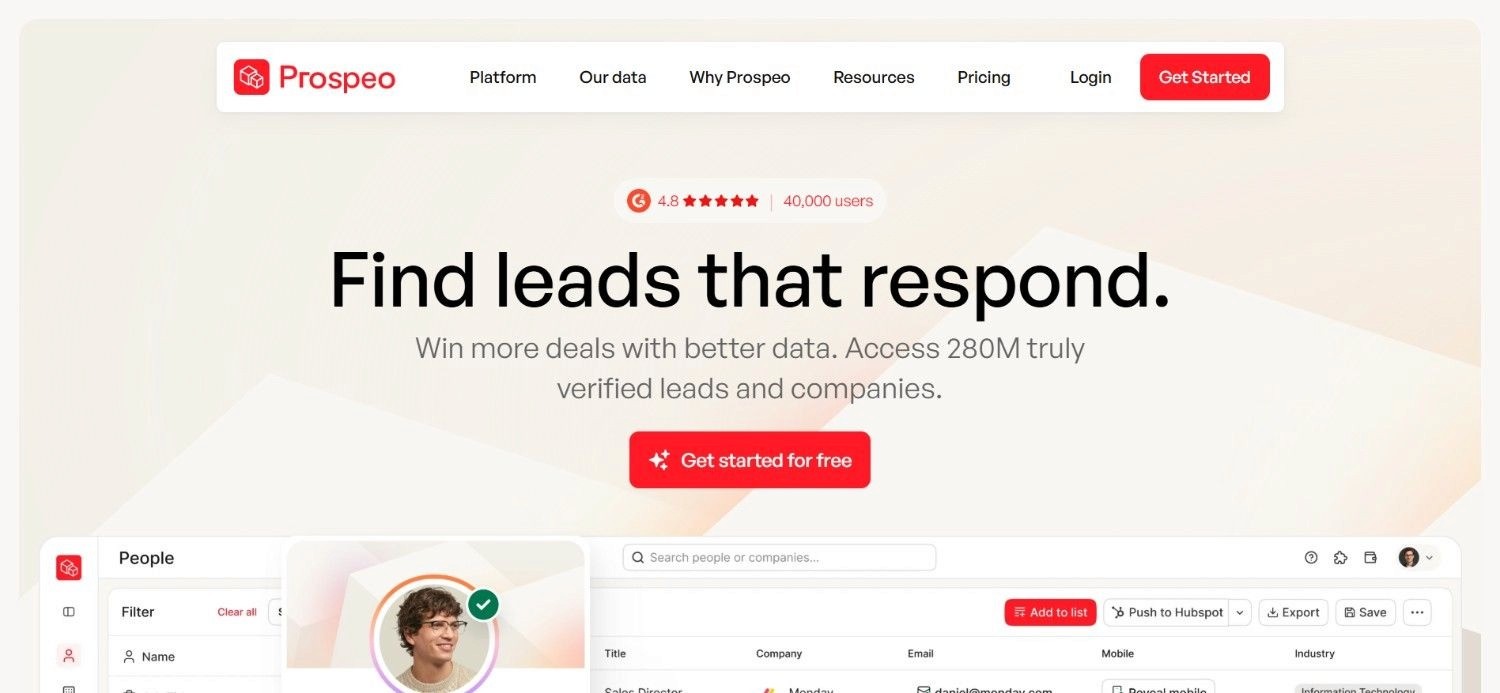
Prospeo is an email finder tool with strong coverage for US and Canada contacts. It takes inputs like full name, company domain, and LinkedIn URL and returns verified work email addresses. It's API-friendly, which makes it a natural fit for integration into Clay workflows or other orchestration tools.
For North American prospecting, it's one of the highest-confidence first-pass providers in a waterfall sequence.
Ideal For
B2B teams prospecting primarily in the US and Canada
GTM engineers integrating email finding into Clay workflows via API
SDRs and BDRs who need reliable North American contact data
RevOps leaders building automated enrichment pipelines for North American accounts
Why It Stands Out
Prospeo's strength is its match rate on North American contacts. When you're running a waterfall sequence, you want your highest-confidence provider to go first. For US and Canada lists, Prospeo consistently performs as a strong first-pass option. Its API integration is clean, which means connecting it to Clay or another orchestration tool is straightforward.
Pros
Strong match rates for US and Canada contacts
Clean API integration for use in Clay and other orchestration tools
Supports LinkedIn URL as an input, which is useful when domain data is incomplete
Works well as the first provider in a waterfall sequence for North American lists
Cons
Coverage thins outside North America – not the right choice for European or LATAM lists
Requires a paid subscription to access meaningful volume
Works best as part of a stack rather than a standalone tool for global prospecting
Final Verdict
Prospeo is a strong first-pass email finder for North American B2B prospecting. It belongs at the top of your waterfall sequence when your target list is US or Canada-focused. For global campaigns, pair it with region-specific providers for other geographies.
Overview
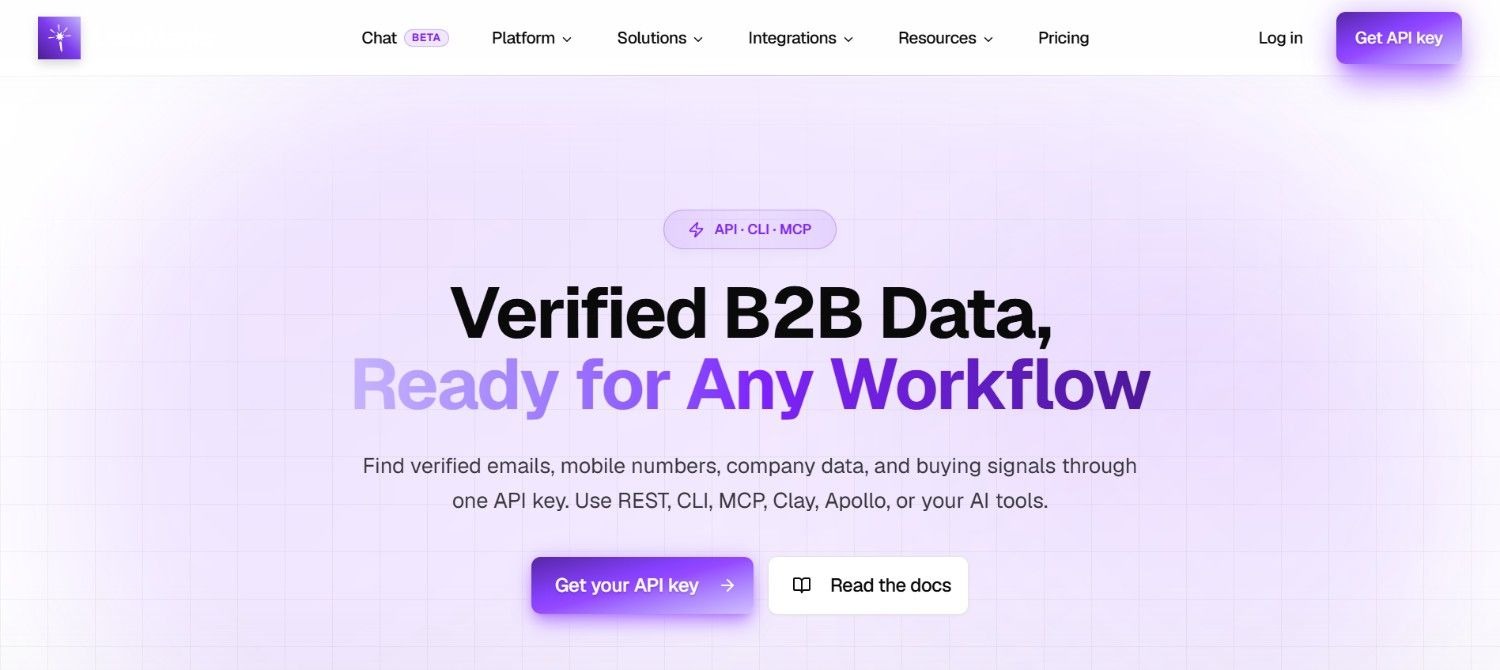
LeadMagic is an email enrichment and email address finder focused on B2B contact data, with particular strength in North American markets. It accepts inputs including full name, company domain, and LinkedIn profile, and returns verified work email addresses. Like Prospeo, it integrates via API, making it a practical component in a Clay-based waterfall workflow.
Ideal For
B2B prospectors targeting US and Canada accounts
Teams running Clay-based enrichment workflows who want multiple North American providers in their waterfall
SDRs working North American territories who need reliable email lookup
RevOps teams building redundancy into their enrichment stack
Why It Stands Out
LeadMagic's value in a waterfall stack is redundancy. No single provider finds every contact, so having LeadMagic as a second or third pass after Prospeo increases your overall hit rate on North American lists. Its API integration is clean, and it handles the standard input combinations (name + domain, LinkedIn URL) that most enrichment workflows rely on.
Pros
Solid coverage for US and Canada B2B contacts
API-friendly for integration into Clay and other orchestration tools
Works well as a secondary provider in a North American waterfall sequence
Supports multiple input types including LinkedIn URL and company domain
Cons
Coverage is concentrated in North America; limited utility for European or LATAM campaigns
Optimal as part of a multi-provider stack rather than a standalone solution
Requires a paid subscription for meaningful volume
Final Verdict
LeadMagic is a reliable secondary provider for North American email enrichment. If Prospeo doesn't find a contact, LeadMagic is a strong next step in your waterfall. For teams doing significant US and Canada outbound, having both in your stack meaningfully improves your overall find rate.
Overview
BetterContact is an enrichment tool that covers both email and phone data, with strong performance on North American contacts. It's API-accessible and integrates cleanly into Clay workflows. Beyond email finding, its phone enrichment capability makes it useful for teams running multi-channel outbound that includes cold calling alongside email sequences.
Ideal For
B2B teams running multi-channel outbound (email + phone) in North America
GTM engineers who want a single provider handling both email and phone enrichment
RevOps leaders building enrichment workflows that need phone data alongside verified emails
Teams using Clay who want to consolidate email and phone enrichment into fewer provider calls
Why It Stands Out
BetterContact's differentiation is the combination of email and phone data in a single provider. Most email enrichment tools focus exclusively on work emails; BetterContact returns phone numbers as well, which reduces the number of separate API calls you need to make in a multi-channel workflow. For North American lists, it performs well as a primary or secondary provider.
Pros
Returns both email and phone data, reducing the need for separate phone enrichment providers
Strong coverage for US and Canada contacts
Clean API integration for Clay and other orchestration tools
Useful as a primary or secondary provider in a North American waterfall sequence
Cons
Coverage is strongest in North America; less reliable for European or LATAM contacts
Phone data quality varies by contact seniority and company size
Requires a paid subscription for meaningful volume
Final Verdict
BetterContact is one of the stronger choices for North American multi-channel enrichment. If your outbound includes phone outreach alongside email, it's worth having BetterContact in your stack to handle both data types in a single provider call. For email-only workflows, it still performs well as a primary or secondary North American provider.
Overview
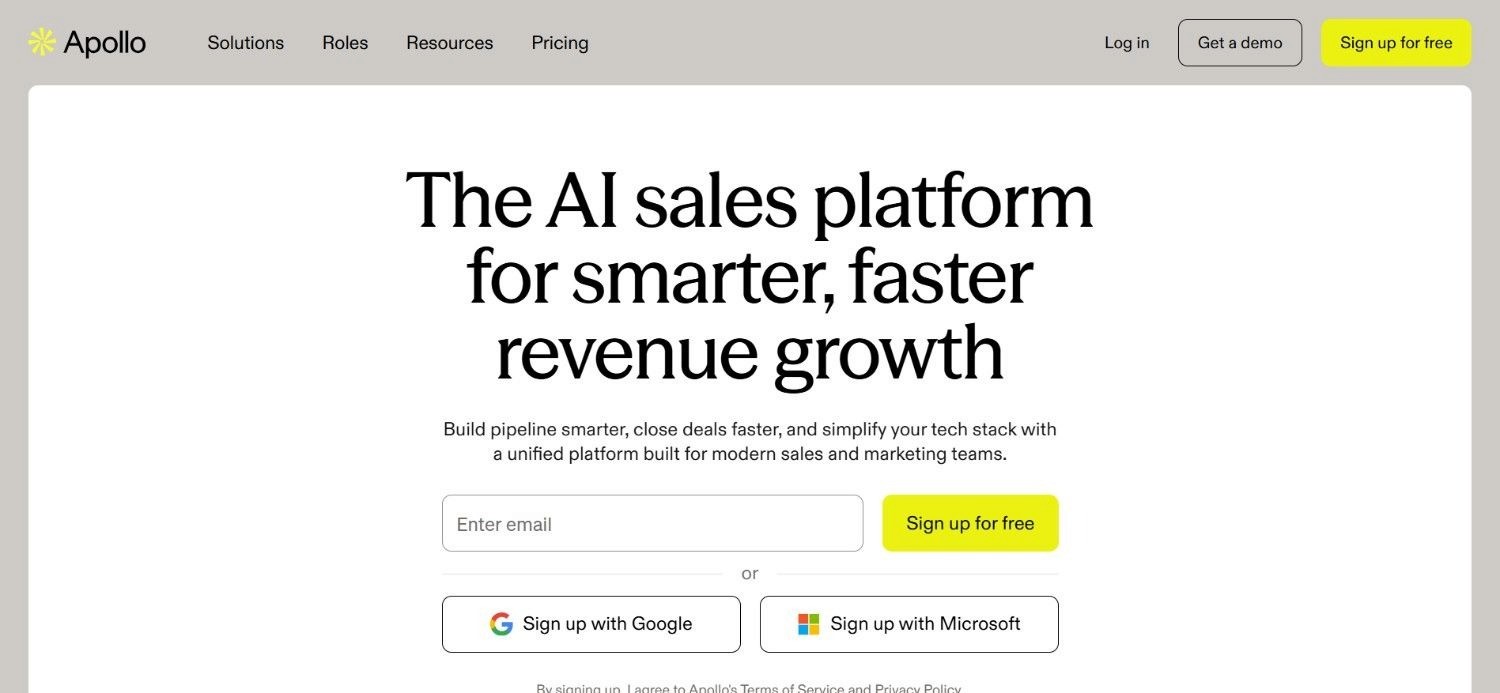
Apollo.io is an all-in-one prospecting tool that combines a large built-in B2B contact database with outbound sequencing, intent data, and a Chrome extension for LinkedIn prospecting. It's one of the most widely used tools in the B2B sales space, particularly for teams that want a single platform covering list building, enrichment, and outreach without assembling a multi-tool stack.
Ideal For
SMB and mid-market sales teams that want an integrated prospecting and sequencing tool
Teams new to outbound who need a single platform to start from
SDRs who want a Chrome extension for LinkedIn prospecting alongside email finding
Companies that want built-in intent data without a separate provider subscription
Why It Stands Out
Apollo's strength is breadth. It covers list building, email finding, phone data, sequencing, and intent signals in one interface. For teams that don't want to manage a multi-tool stack, Apollo reduces complexity significantly. Its database is large, and its Chrome extension makes LinkedIn-based prospecting fast.
The tradeoff is depth. Apollo's data is strongest for US contacts and thins out in some international markets. And because it's a single-source database, you're subject to its coverage gaps, which is why many advanced teams use Apollo for base data and layer Clay on top for waterfall enrichment.
Pros
All-in-one: list building, enrichment, sequencing, and intent data in one tool
Large built-in contact database with broad US coverage
Chrome extension for LinkedIn-based email finding
Freemium tier available for teams starting out
Built-in email verification before export
Cons
Single-source database means coverage gaps, particularly outside North America
Data freshness can lag behind more specialized providers
Sequencing features are less sophisticated than dedicated outreach tools
Not ideal as a standalone solution for teams doing heavy international prospecting
Final Verdict
Apollo.io is one of the stronger starting points for teams building their first outbound stack. It covers enough ground in a single tool to get you moving without assembling a complex multi-provider workflow. As your volume and sophistication grow, you'll likely want to layer Clay on top for waterfall enrichment and add region-specific providers for international campaigns.
Overview
Cognism is a B2B data provider with a strong focus on European markets, particularly the UK and EMEA region. It's known for GDPR-compliant contact data, verified phone numbers (including mobile), and email addresses. Cognism maintains its own database and invests heavily in data compliance, which makes it a practical choice for teams prospecting in regulated markets where data privacy requirements are strict.
Ideal For
B2B teams with significant European prospecting volume, particularly UK and EMEA
Enterprise sales teams that need GDPR-compliant contact data
Teams running phone-first outbound in European markets where mobile numbers are critical
RevOps leaders who need a compliant data provider for European CRM enrichment
Why It Stands Out
Cognism's compliance posture is its clearest differentiator. For teams operating in GDPR-regulated markets, using a provider that has invested in compliance infrastructure reduces legal risk. Its phone data is one of the stronger offerings in the market for that region.
Pros
Strong coverage for UK and EMEA contacts
GDPR-compliant data with documented compliance processes
Verified mobile phone numbers for European contacts
Integrates with major CRMs including Salesforce and HubSpot
Intent data layer available for account prioritization
Cons
Coverage thins significantly outside Europe; not the right choice for US-primary campaigns
Enterprise pricing puts it out of reach for smaller teams
Less flexible than orchestration-layer tools for custom waterfall workflows
Final Verdict
Cognism is one of the stronger choices for European B2B prospecting, particularly for teams that need GDPR-compliant data and verified phone numbers for UK and EMEA contacts. For North American or LATAM campaigns, it's not the right fit. Teams doing global outbound should treat Cognism as their European provider within a broader multi-region stack.
Overview
Surfe is an email enrichment tool with strong coverage for European contacts. It operates as a LinkedIn-native tool, meaning it enriches contact data directly from LinkedIn profiles, which makes it particularly useful for teams doing LinkedIn-based prospecting in European markets. It pushes enriched data directly to CRMs, reducing manual data entry.
Ideal For
B2B teams prospecting in European markets via LinkedIn
Sales reps who want to enrich contacts directly from LinkedIn profiles without leaving the browser
RevOps leaders who want LinkedIn-sourced enrichment to sync automatically to their CRM
Teams building European contact lists where LinkedIn is the primary prospecting surface
Why It Stands Out
Surfe's LinkedIn-native approach is its core advantage for European prospecting. Because it works directly within the LinkedIn interface, it fits naturally into a workflow where reps are already spending time on LinkedIn Sales Navigator. The CRM sync reduces the manual step of copying enriched data into Salesforce or HubSpot.
Pros
Strong European contact coverage
LinkedIn-native enrichment – works directly within the LinkedIn interface
Automatic CRM sync reduces manual data entry
Useful for teams where LinkedIn is the primary prospecting surface
Cons
Coverage is concentrated in Europe; less reliable for North American or LATAM contacts
LinkedIn-native approach means it's less useful for bulk enrichment workflows outside LinkedIn
Works best as a regional specialist within a broader multi-provider stack
Final Verdict
Surfe is a strong choice for European prospecting teams that work primarily through LinkedIn. Its CRM sync and LinkedIn-native interface make it practical for reps who don't want to switch between tools. For global campaigns, treat it as your European specialist and pair it with North American and LATAM providers for other regions.
Overview
ContactOut is an email finder tool that surfaces personal and work email addresses, with a Chrome extension that works on LinkedIn profiles. It has broad coverage across multiple regions, including Europe, and is frequently used by recruiters and sales teams who need to find contact information for people they've identified on LinkedIn. It also offers a bulk enrichment feature for processing larger lists.
Ideal For
Sales and recruiting teams who prospect heavily through LinkedIn
B2B teams that need both personal and work email addresses for their contacts
Teams doing European prospecting who want a LinkedIn-based email finder
Users who need a Chrome extension for individual contact lookup alongside bulk enrichment
Why It Stands Out
ContactOut's dual coverage of personal and work emails is useful in specific scenarios. When you have a prospect's personal email (from a previous interaction, a conference, or a referral), some enrichment tools can use that as an input to find their work email. ContactOut supports this kind of cross-reference. Its European coverage makes it a practical option for EMEA-focused campaigns.
Pros
Covers both personal and work email addresses
Chrome extension for LinkedIn-based individual lookup
Reasonable European coverage alongside global data
Bulk enrichment available for list processing
Cons
Data accuracy varies by region and contact seniority
Less suited for high-volume automated workflows compared to API-first tools
Personal email data raises compliance considerations in GDPR-regulated markets
Final Verdict
ContactOut is a practical tool for teams doing LinkedIn-based prospecting in Europe and globally. Its personal-plus-work email coverage is useful in specific enrichment scenarios. For high-volume automated workflows, pair it with an API-first provider and an orchestration layer.
Overview
Hunter.io is one of the most widely recognized email lookup tools in the B2B space. Its core function is domain-based email finding: you input a company domain, and Hunter returns the email addresses associated with that domain along with a confidence score. It also offers email verification, a bulk enrichment feature, and a Chrome extension. Hunter is particularly strong for finding email patterns (e.g., firstname.lastname@company.com) when you know the domain but not the specific contact's address.
Ideal For
Teams that frequently need to find emails for contacts at a known company domain
B2B prospectors who want built-in email verification alongside finding
Users who need a simple, accessible email lookup tool without complex workflow setup
Teams that want to verify email address deliverability before sending to reduce bounce rates
Why It Stands Out
Hunter's domain search and email pattern detection is one of the more reliable approaches for finding emails when you have a company domain but limited contact-level data. Its built-in verification means you can check whether an address is deliverable before adding it to a sequence. The tool is accessible and well-documented, which lowers the barrier to getting started.
Pros
Strong domain-based email finding and pattern detection
Built-in email verification reduces bounce rates
Bulk enrichment for processing larger lists
Well-documented API for integration into workflows
Freemium tier available for low-volume use
Cons
Coverage is strongest for US contacts; thinner in some international markets
Domain-based approach works best when you have the company domain as an input
Less effective for finding emails when you only have a LinkedIn URL and no domain
Single-source database subject to coverage gaps
Final Verdict
Hunter.io is a solid email finder and verification tool, particularly for domain-based lookup. It's one of the more accessible entry points for teams new to email enrichment. For teams running high-volume waterfall workflows, Hunter works well as a verification layer or a fallback provider within a Clay-based stack.
Overview
ZoomInfo is the largest enterprise B2B data provider in the market. It maintains a proprietary database of company and contact information, including firmographics, technographics, intent signals, and direct dial phone numbers. ZoomInfo is built for large sales organizations that need comprehensive account and contact coverage, deep integration with enterprise CRMs, and a single vendor relationship for their data needs.
Ideal For
Enterprise sales teams with large outbound volumes and dedicated RevOps support
Companies that need deep firmographic and technographic data alongside contact information
Organizations running account-based marketing programs that require comprehensive account coverage
Teams that need intent data and contact data from a single vendor
Why It Stands Out
ZoomInfo's database size and firmographic depth are its primary advantages. For enterprise teams prospecting into large accounts, the breadth of company-level data is difficult to match with smaller providers. Its CRM integrations are mature and well-supported.
Pros
Large proprietary database with broad US and global coverage
Deep firmographic and technographic data alongside contact information
Intent data layer for account prioritization
Mature CRM integrations with Salesforce and HubSpot
Org chart data useful for multi-threaded enterprise prospecting
Cons
Enterprise pricing is a significant barrier for smaller teams
Data freshness issues persist despite ongoing investment in database maintenance
Contract terms and pricing complexity frustrate many buyers
Overkill for teams with focused, regional prospecting needs
Final Verdict
ZoomInfo is a strong choice for enterprise sales organizations that need comprehensive account and contact data at scale. For seed-to-Series B companies, the cost-to-value ratio rarely makes sense. You'll get better results from a waterfall stack of specialized providers at a fraction of the cost. If you're already a ZoomInfo customer, connecting it as one provider in a Clay waterfall is a smart way to get more value from the contract.
Overview
Lusha is a B2B contact data tool that focuses on compliant, real-time contact enrichment with strong CRM integration. It works as a Chrome extension for LinkedIn-based lookup and as an API for bulk enrichment. Lusha emphasizes data compliance and offers real-time CRM sync, which makes it useful for teams that want enriched data to flow automatically into Salesforce or HubSpot without manual export steps.
Ideal For
Sales teams that want real-time CRM enrichment from LinkedIn Sales Navigator
B2B prospectors who need globally compliant contact data
Teams that want a Chrome extension for individual contact lookup alongside API access
RevOps leaders who want enrichment to sync automatically to their CRM
Why It Stands Out
Lusha's real-time CRM sync is its clearest operational advantage. When a rep finds a contact on LinkedIn, Lusha can push that enriched data directly to the CRM without a manual export step. This reduces data entry friction and keeps CRM records more current. Its compliance posture is also a selling point for teams operating in regulated markets.
Pros
Real-time CRM sync from LinkedIn Sales Navigator
Compliant data with attention to GDPR and CCPA requirements
Chrome extension for individual lookup alongside API for bulk enrichment
Global coverage across multiple regions
Integrates with major CRMs including Salesforce and HubSpot
Cons
Coverage depth varies by region; strongest in North America and parts of Europe
Credit-based pricing can get expensive at high volumes
Less flexible than orchestration-layer tools for complex waterfall workflows
Final Verdict
Lusha is a practical choice for teams that want LinkedIn-native enrichment with automatic CRM sync. Its compliance posture makes it a reasonable option for teams operating in regulated markets. For high-volume waterfall workflows, it works well as one provider within a Clay-based stack.
Overview
Enrow is an email enrichment tool with strong coverage for Latin American contacts. For B2B teams prospecting in LATAM markets like Brazil, Mexico, Colombia, Argentina, and other countries in the region, Enrow addresses a real gap that North American-focused providers leave open. It accepts standard enrichment inputs and returns verified work email addresses for LATAM contacts.
Ideal For
B2B teams with significant Latin American prospecting volume
GTM engineers building multi-region waterfall workflows that include LATAM
Companies expanding into Latin American markets who need reliable contact data
Agencies running outbound campaigns for clients targeting LATAM accounts
Why It Stands Out
Enrow's regional focus is its value. Most of the widely known email enrichment tools are built around North American and European data. When you're prospecting in Latin America, those tools return thin results. Enrow fills that gap with coverage that's specifically built for the region.
Pros
Strong coverage for Latin American B2B contacts
Fills a regional gap that North American-focused providers leave open
Useful as a LATAM-specific provider in a multi-region waterfall stack
Supports standard enrichment inputs (name, domain, LinkedIn)
Cons
Coverage is concentrated in Latin America; not the right choice for North American or European campaigns
Less established than major global providers; database size is smaller
Works best as a regional specialist within a broader multi-provider stack
Final Verdict
Enrow is the right tool when your prospecting list includes Latin American contacts and your primary providers are coming back empty. For teams doing LATAM outbound, it belongs in your waterfall sequence as the regional specialist for that geography.
Overview
Datama is another email enrichment provider with strong Latin American coverage. Like Enrow, it addresses the regional gap that most global providers leave in LATAM markets. Datama focuses on providing accurate contact data for Latin American B2B contacts, making it a useful complement or alternative to Enrow for teams prospecting in the region.
Ideal For
B2B teams prospecting in Latin American markets
GTM engineers who want redundancy in their LATAM enrichment waterfall
Companies with significant LATAM pipeline targets who need reliable contact data
Teams that have tried global providers and found thin results for LATAM contacts
Why It Stands Out
Having LATAM-focused providers in your waterfall, gives you redundancy in a region where global providers consistently underperform. If one doesn't find a contact, the other may. This layered approach is the same logic that applies to North American waterfall stacks, applied to a region that most teams underinvest in.
Pros
Strong Latin American contact coverage
Useful as a secondary LATAM provider for waterfall redundancy
Addresses a regional gap that global providers consistently miss
Supports standard enrichment inputs
Cons
Regional focus limits utility for North American or European campaigns
Smaller database than major global providers
Optimal as part of a multi-provider stack rather than a standalone solution
Final Verdict
Datama is a strong secondary option for Latin American enrichment. Pair it with Enrow in your LATAM waterfall sequence to maximize your hit rate in a region where most global providers fall short.
Overview
Firmable is a B2B data provider built specifically for the Australian market. It maintains a database of Australian companies and contacts, covering firmographic data alongside contact information. For teams prospecting in Australia, Firmable addresses a gap that even large global providers struggle to fill with accurate, current data.
Ideal For
B2B teams with Australian prospecting targets
Companies expanding into the Australian market who need reliable local contact data
GTM engineers building multi-region stacks that include Australia
Agencies running outbound campaigns for clients targeting Australian accounts
Why It Stands Out
Firmable's Australia-specific focus means its database is built around the nuances of the Australian business landscape – company structures, industry classifications, and contact patterns that global providers often get wrong or miss entirely. For Australian prospecting, it's one of the more reliable options available.
Pros
Purpose-built for the Australian B2B market
Stronger Australian coverage than global providers
Includes firmographic data alongside contact information
Useful as the Australian specialist in a multi-region waterfall stack
Cons
Coverage is limited to Australia; not useful for other regions
Smaller database than global providers
Works best as a regional specialist within a broader multi-provider stack
Final Verdict
Firmable is the right choice when your prospecting list includes Australian contacts. Global providers consistently underperform in the Australian market, and Firmable's regional focus gives it a meaningful coverage advantage for that geography.
The Waterfall Enrichment Workflow That Actually Works
Most B2B teams in 2026 don't rely on a single email enrichment tool. There's a straightforward reason for this: no single database covers every contact, in every region, with current data. Single-source databases miss contacts, have stale records, and have uneven regional coverage. The solution is waterfall enrichment: querying multiple providers in sequence until you find a verified result.
Here's how a practical waterfall workflow looks for North American prospecting:
Step 1: First pass with your highest-confidence provider
Start with the provider that has the strongest match rate for your target region. For the US and Canada, that means running Prospeo first. If Prospeo returns a verified email, you're done, move to the next contact.
Step 2: Second pass with a backup provider
If Prospeo doesn't find the contact, automatically route to LeadMagic. Same logic: if it finds a verified email, stop. If not, continue.
Step 3: Third pass with a complementary provider
BetterContact goes next. At this point, you've queried three providers with strong North American coverage. If none of them found the contact, you have a few options.
Step 4: Fallback providers
Tools like Forger, Upsell, and Wisa are useful as fallback options for North American contacts that your primary providers missed. They may have different underlying data sources that cover the gaps.
Step 5: Verification before sending
Once you have an email address from any provider in the sequence, run it through a verification step before it enters your sequence. Hunter.io or a dedicated verification tool like ZeroBounce works here. This catches addresses that look valid but will bounce.
The cost-effective move: In Clay, connect your own API keys for each provider. When Clay runs a waterfall step using Prospeo, it consumes your Prospeo subscription credits, not Clay credits. This is how you process large volumes without the per-record cost compounding. One client processed 18,000 leads for approximately $38 by routing classification through OpenAI instead of Clay credits. The same cost-engineering principle applies to your enrichment waterfall.
For regions outside North America, the waterfall logic is the same; the providers change:
Latin America: Enrow first, Datama as backup
Europe: Surfe or Cognism first, ContactOut as backup
Australia: Firmable as the primary provider
Input Data Requirements: Start With What You Have
Before you choose an enrichment tool, audit what data you actually have. This is a step most teams skip, and it's why they end up with a great provider and a low hit rate.
Different enrichment tools require different inputs. The most common combinations:
Full name + company domain. This is the standard input for most email enrichment tools. If you have both, you can use almost any provider in this list.
LinkedIn URL. Many tools accept a LinkedIn profile URL as the primary input. This is particularly useful when you've built your list from LinkedIn Sales Navigator and don't have domain data yet. Prospeo, LeadMagic, BetterContact, Surfe, Lusha, and ContactOut all support LinkedIn URL as an input.
Full name + company name (no domain). Some tools can resolve the company name to a domain and then find the email. This is less reliable than providing the domain directly, but it works when domain data isn't available.
Personal email. If you have a prospect's personal email address (from a conference, a referral, or a previous interaction), some tools can use that to find their work email. This is a less common input but worth knowing about when you have it.
The practical implication: If your list comes from LinkedIn Sales Navigator, you likely have LinkedIn URLs and names but may not have company domains. Choose providers that accept LinkedIn URL as a primary input. If your list comes from a company database, you likely have domains but may not have LinkedIn URLs. Choose providers that work well with name + domain.
Don't start with the most suitable provider in the abstract. Start with the provider that accepts the inputs you actually have.
How to Choose the Right Email Enrichment Tool
This is the most important filter. A tool with strong US coverage may return near-zero results for a European or LATAM list. Before evaluating any other factor, identify where your prospects are located and filter your tool options to those with documented coverage in that region. For multi-region campaigns, you need a multi-provider stack with region-specific routing.
Check what data points you have before choosing a tool. If you have LinkedIn URLs, prioritize tools that accept LinkedIn as a primary input. If you have company domains, most tools will work. If you have personal emails, look for tools that can cross-reference personal to work email. The most effective enrichment tool in the world returns nothing if you can't feed it the inputs it needs.
If you're running Clay-based workflows (or plan to), prioritize tools with clean API access. The ability to connect your own API key to Clay means you consume your provider subscription credits directly, which is a significant cost advantage at scale. Check whether the tool has a documented Clay integration or a clean REST API you can connect manually.
Look for tools that include verification as part of the enrichment process, or plan to add a dedicated verification step (Hunter.io, ZeroBounce) at the end of your waterfall. Sending unverified emails damages your sender reputation and wastes sequence capacity.
If you're prospecting in the EU or UK, GDPR compliance is a real requirement, not a checkbox. Cognism and Lusha have invested in compliance infrastructure for European markets. For US and Canada, CCPA considerations apply for California contacts. Check whether your chosen providers have documented compliance processes for the markets you're targeting.
Per-record pricing compounds fast at scale. Credit-based models with monthly caps can create bottlenecks if your enrichment volume spikes. The most cost-effective approach for high-volume teams is connecting your own provider API keys to Clay so you consume your existing subscription credits rather than paying a per-call markup. Calculate your expected monthly enrichment volume and compare the total cost across pricing models before committing.
No single tool finds every contact. The right mental model is not "which tool has the most effective data" but "which combination of tools, in which sequence, maximizes my overall hit rate for my target region." A waterfall stack of three providers will consistently outperform any single provider, even the top-performing one. Build redundancy into your enrichment workflow from the start.
Everything You Need to Know About Email Enrichment Tools
Category | Key Considerations |
Top Tools by Region | US/Canada: Prospeo, LeadMagic, BetterContact (primary); Forger, Upsell, Wisa (fallback). |
Core Use Cases | Finding verified work emails for prospect lists; keeping CRM contact data current; reducing email bounce rates; building automated enrichment workflows; multi-region prospecting. |
How to Choose | Filter by target region first. Audit your available input data. Evaluate API integration with your orchestration layer. Check verification and compliance. Compare pricing against your volume. Build a waterfall stack, not a single-tool dependency. |
Mistakes to Avoid | Using a North American tool for European or LATAM campaigns. Skipping email verification before sending. Relying on a single provider instead of a waterfall stack. Ignoring input data requirements before choosing a tool. Paying Clay credits for enrichment calls when you could connect your own provider API keys. |
Build Your Enrichment Infrastructure With The GTM Engineering Company
Choosing the right email enrichment tools is step one. Building the infrastructure that makes them work together is where most teams get stuck.
Most growth-stage B2B teams have spent significant budgets on a CRM, an enrichment tool, an outbound platform, and a scoring layer, but none of it talks to each other. Contacts enriched in one tool never make it back to the CRM. Verification results sit in a spreadsheet nobody checks. The waterfall logic that should run automatically gets done manually by a BDR who has better things to do.
The GTM Engineering Company builds the infrastructure that connects these pieces. Specifically:
Waterfall enrichment workflows in Clay that route to the right providers for your target regions, consume your own provider API keys to control costs, and push verified data back to your CRM automatically
Evergreen enrichment tables. A "golden enrichment table" in Clay that keeps every CRM record current automatically, covering domain, LinkedIn, firmographics, technographics, traffic, funding, and hiring signals for accounts, leads, and contacts
Lead List Building & Enrichment. Curated, verified contact lists of decision-makers built with multi-source data enrichment, so your team works from high-quality lists rather than raw exports
Automated Lead Enrichment Workflows. Signal-based prospecting layers that use scrapers and AI to identify high-intent accounts, continuously refresh lead data, and trigger real-time actions based on external market signals
The approach is tool-agnostic. The workflows are built to plug into your existing stack. No vendor lock-in, no ripping and replacing what's already working.
If you're ready to stop managing enrichment manually and start running it as infrastructure, book a strategy call with The GTM Engineering Company to map out what your enrichment stack should look like.
Frequently Asked Questions (FAQs)
What is the most effective email enrichment tool for B2B prospecting in 2026?
The most effective email enrichment tool depends on your target region and available input data. There is no single tool that wins across every market. For US and Canada, Prospeo, LeadMagic, and BetterContact are strong primary providers. For Europe, Surfe and Cognism are among the stronger options. For Latin America, Enrow and Datama address a gap that global providers consistently miss. For teams doing multi-region prospecting, Clay is the orchestration layer that routes your enrichment requests through the right regional providers in sequence, maximizing your overall hit rate.
What should I consider when choosing the right email enrichment tool?
The most important factors are target region, available input data, and integration with your orchestration layer. Filter tools by regional coverage first. A North American-focused tool will return thin results for European or LATAM lists. Then check what inputs the tool requires (full name + domain, LinkedIn URL, personal email) against what you actually have. Finally, evaluate whether the tool has a clean API for integration into Clay or your CRM. Compliance requirements (GDPR for EU contacts, CCPA for California) and pricing model relative to your volume are secondary but important filters.
What is waterfall enrichment and why does it matter?
Waterfall enrichment is the practice of querying multiple data providers in sequence until a verified email is found. It matters because no single database covers every contact. Single-source providers miss contacts, have stale records, and have uneven regional coverage. A waterfall stack of three providers consistently outperforms any single provider for the same list. Modern B2B enrichment has shifted toward waterfall enrichment because single databases decay quickly and miss a meaningful portion of contacts. Clay is the most common orchestration layer for building waterfall workflows, but the logic can be implemented in any tool that supports sequential API calls.
How do I find work email addresses when I only have a LinkedIn URL and no company domain?
Several email enrichment tools accept a LinkedIn URL as a primary input, including Prospeo, LeadMagic, BetterContact, Surfe, Lusha, and ContactOut. When you build your list from LinkedIn Sales Navigator and don't have domain data, prioritize these tools in your waterfall sequence. Alternatively, you can use a domain-finding step before the email enrichment step. Tools like Clearbit or Clay's built-in company enrichment can resolve a company name to a domain, which you then feed into your email address finder. The key is auditing your available data before choosing your enrichment sequence, not after.
Does email enrichment help reduce email bounce rates?
Email enrichment supports email bounce rate reduction when it includes a verification step. Finding an email address and verifying that it's deliverable are two separate functions. Many enrichment tools include built-in verification (UpLead guarantees a 95% accuracy rate through real-time verification; Hunter.io includes verification alongside finding). For tools that don't include verification, add a dedicated verification step at the end of your waterfall before contacts enter your sequence. Sending to unverified emails damages your sender domain reputation, which reduces deliverability for your entire outbound program, not the bad addresses alone.
About the Author
Jorge Macías is the founder of The GTM Engineering Company, a fractional GTM engineering firm that builds the technical infrastructure behind working revenue engines for B2B SaaS and tech companies. A Y Combinator S18 alumnus, Jorge has helped companies grow from 0 to $3M ARR and has implemented GTM systems for more than 50 B2B companies. His work focuses on building automated enrichment workflows, signal-based prospecting infrastructure, and CRM data systems that replace manual research with scalable, compounding processes. Jorge writes about GTM engineering, data enrichment, and outbound infrastructure from the perspective of someone who builds these systems daily, not from theory.