

Key Takeaways (TL;DR)
Who Clay Is For: Mid-market B2B teams that want flexible, multi-source data enrichment with waterfall logic, AI-assisted research, and the ability to push enriched data into CRMs or sequencing tools. Clay sits between all-in-one tools like Apollo and enterprise platforms like ZoomInfo.
Why Seek a Clay Alternative: Clay has a steep learning curve. It's hard to onboard, hard to scale inside organizations, and its credit-based pricing can get expensive fast if workflows aren't architected carefully. Teams often want either something simpler or something more powerful.
Best Overall Alternative: Apollo.io for SMBs and early-stage teams that need a working outbound system without building workflows. ZoomInfo for enterprise teams that need data depth over flexibility. Octave for mid-market and enterprise teams that want to build durable GTM infrastructure.
Your Advantage with The GTM Engineering Company: We build the architecture that makes any of these tools work together, and we document every system so your team owns it after we leave.
How to Choose: Match the tool to your market segment (SMB vs. mid-market vs. enterprise), your technical capacity (who will build and maintain this), and whether you need data flexibility (multiple providers) or data simplicity (one source, one system).
Top Clay Alternatives in 2026 at a Glance
Tool | Best For | Core Capability | Pros | Cons |
Apollo.io | SMBs and early-stage founders | All-in-one database + sequencing | Fast setup, built-in data and outreach | Locked to Apollo's data, weak waterfall logic |
ZoomInfo | Enterprise teams with complex data needs | Large contact and company database, intent data | Deep data coverage, strong CRM integrations | Expensive, limited workflow flexibility |
Octave | Mid-market and enterprise GTM infrastructure | AI-assisted messaging and workflow automation | More scalable than Clay for complex orgs | Steeper learning curve than Clay |
Gumloop | Technical teams building custom automation | Visual workflow builder with AI agents and API connectors | Closest to Clay's "build anything" layer | You assemble your own data stack |
FullEnrich | Teams that want waterfall enrichment without Clay's complexity | Multi-provider waterfall enrichment API | Keeps waterfall logic, simpler and cheaper | Enrichment-only – no sequencing or workflow builder |
Cognism | Teams targeting European markets | GDPR-compliant contact data with phone-verified direct dials | Strong EMEA coverage and compliance | Less flexible for multi-provider waterfall builds |
Unify | Mid-market to enterprise signal-based GTM | Intent signal aggregation and CRM routing | Effective signal layer for established GTM motions | Requires high ACV and technical GTM capacity |
Common Room | Community-led and product-led growth teams | Signal aggregation across product, community, and social data | Strong for PLG and community signals | Not suited for pure outbound or SMB teams |
Why Consider Clay Alternatives?
What Clay Does Well
Clay's core value is the waterfall enrichment model. Instead of committing to one data provider and accepting whatever coverage they offer, Clay lets you chain multiple providers in sequence – check Provider A first, fall back to Provider B if the field is empty, then Provider C, and so on. The result collapses into a single enriched field that you can push into HubSpot, Salesforce, or a sequencing tool like Smartlead or lemlist.
That architecture is genuinely useful. It means you're not locked into Apollo's database or ZoomInfo's database. You're pulling from whichever provider has the best coverage for a given record. Clay also connects to AI models, scrapers, and custom APIs, which means you can build research workflows that go well beyond contact data: job postings, LinkedIn activity, funding signals, technographic data, traffic trends.
For mid-market B2B teams with a technical operator who understands how to build and maintain these workflows, Clay is a strong tool. The GTM Engineering Company uses it daily and is a member of the Clay Expert Program.
Where Clay Falls Short
Clay has a real barrier to entry. It's not a tool you hand to an SDR and expect results from in week one. Building effective workflows requires understanding how credits work, how to structure waterfall logic, how to connect APIs, and how to avoid burning through your credit budget on low-quality enrichment runs. One operator in the community documented spending a significant amount in their first two weeks before they understood how to architect workflows correctly.
Scaling Clay inside an organization compounds the problem. When multiple people need to build, modify, and maintain workflows, the lack of standardization creates fragility. Most contractors build one Clay table here, one workflow there – and when they leave, the system breaks.
Clay's pricing model is also a consideration. Credit-based pricing is unpredictable if you're running large enrichment jobs without careful cost engineering. One approach we use: routing classification tasks through OpenAI directly instead of Clay credits, which allowed one client to process 18,000 leads for approximately $38. That kind of cost engineering requires technical depth that most teams don't have in-house.
The other limitation is that Clay is a workflow builder, not a database. It doesn't replace the data providers – it orchestrates them. If you want a single tool that includes the data, the enrichment, and the sequencing, Clay isn't that. Apollo.io and ZoomInfo are closer to that model.
Best Clay Alternatives in 2026: In-Depth Review
Overview
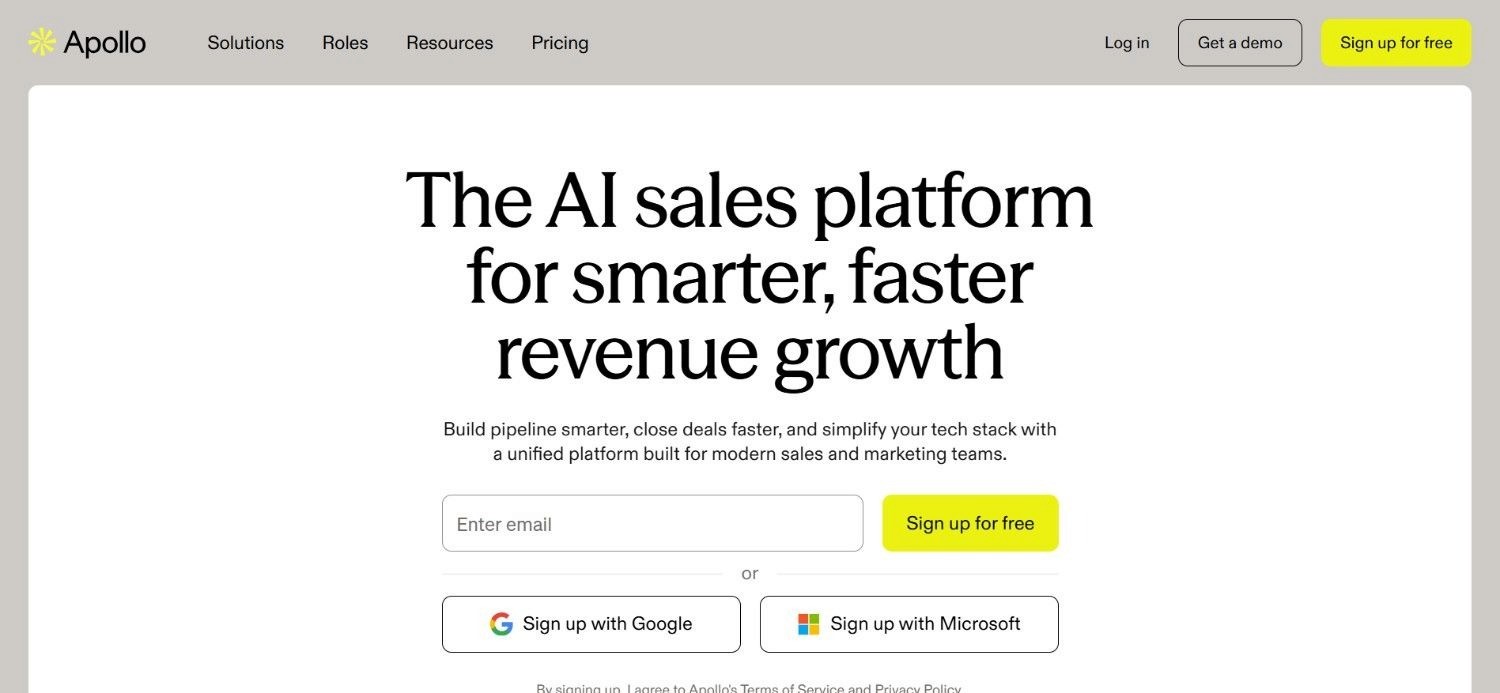
Apollo.io is the most commonly cited Clay alternative, and for good reason: it combines a large B2B contact database with built-in email sequencing and outreach tools in a single interface. For teams that want to go from zero to outbound without building workflows, Apollo removes most of the setup friction. It's particularly well-suited to SMBs and early-stage founders who need to test and iterate on outreach quickly.
The trade-off is data flexibility. Apollo's enrichment pulls from Apollo's database. You can't run a waterfall across multiple providers inside Apollo the way you can in Clay. If Apollo doesn't have a contact's email or phone number, you're stuck. There's no fallback to a secondary provider built into the tool.
Ideal For
SMB teams and early-stage founders who need a working outbound system fast
Founders iterating on ICP and messaging who want everything in one place
Teams without a dedicated RevOps or GTM engineering resource
Sales reps who need a simple interface for prospecting and sequencing
Key Services
B2B contact database with email, phone, and firmographic data
Built-in email sequencing and outreach automation
CRM integrations with HubSpot and Salesforce
Basic enrichment for existing contact lists
Why It's a Strong Clay Alternative
Apollo is the fastest path from "we need outbound" to "outbound is running." The database, the enrichment, and the sequencing are all in one place. For teams that don't have the technical capacity to build Clay workflows, Apollo removes that requirement entirely. It's also generally more affordable than Clay for teams running moderate volumes. For those exploring alternatives to clay for prospecting, Apollo is often the first stop, especially when speed of setup matters more than data flexibility.
Pros
Fast setup – no workflow building required
All-in-one: data, enrichment, and sequencing in a single tool
Good for testing and iterating on ICP and messaging
Broad contact database with reasonable coverage for most North American markets
Cons
Locked to Apollo's data – no multi-provider waterfall logic
Weaker enrichment depth compared to Clay's multi-source approach
Less flexible for custom workflows or signal-based prospecting
Not well-suited for enterprise GTM motions that require complex data architecture
Final Verdict
Apollo.io is the right choice for SMBs and early-stage teams that need outbound running quickly without building infrastructure. It's not the right choice for teams that need data flexibility, multi-provider waterfall enrichment, or complex GTM workflows. If you outgrow Apollo's data coverage or need to pull from multiple providers, you'll eventually hit a ceiling that requires either Clay or a custom stack.
Overview
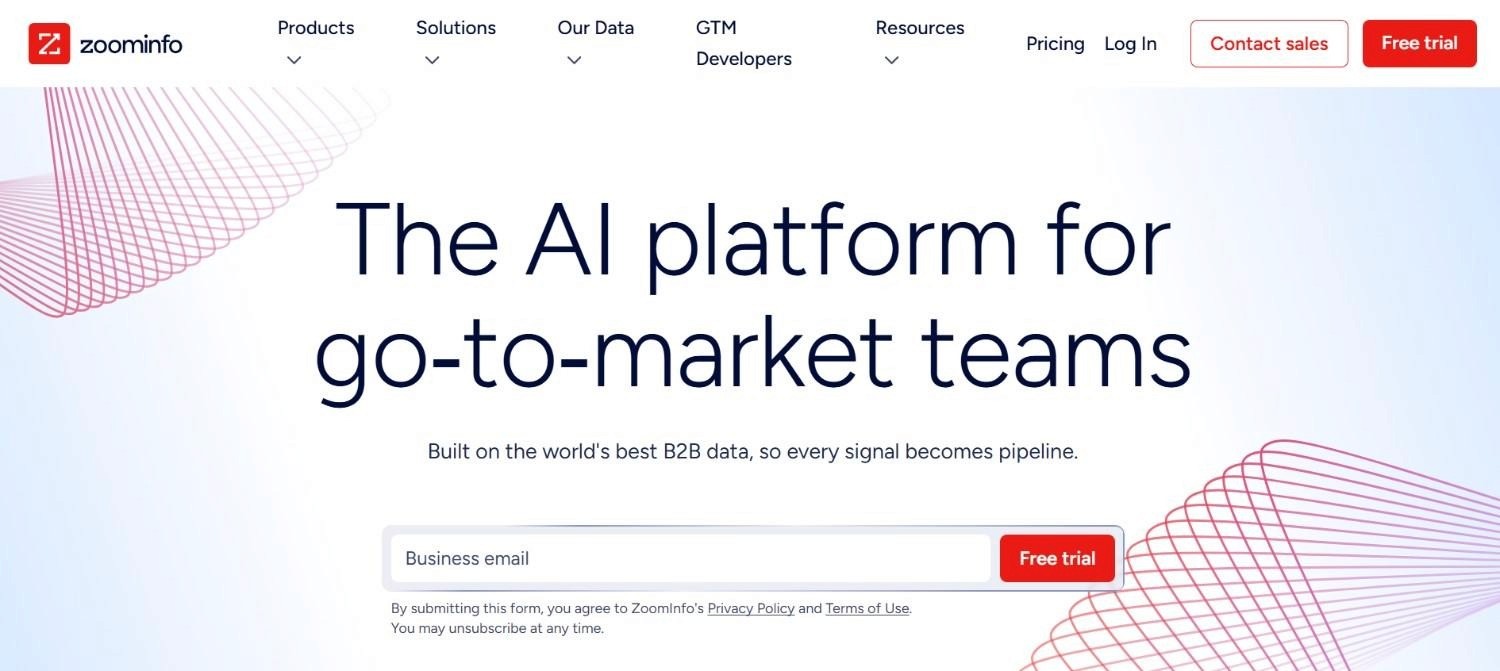
ZoomInfo is the enterprise-grade data platform most often compared to Clay for mid-market and enterprise companies. It offers a large contact and company database, intent data, org mapping, and deep CRM integrations. For large teams with complex data needs and established GTM motions, ZoomInfo provides data depth that few tools match.
The criticism that follows ZoomInfo consistently is the same: you're locked to their database, and the tool is more of a data warehouse than a workflow builder. You get what ZoomInfo has. If their coverage is thin for your ICP, you have limited recourse. Plus, unlike Clay, you can't cascade through alternative providers to fill gaps.
Ideal For
Enterprise sales teams with large TAMs and complex account hierarchies
RevOps leaders who need deep intent data and org mapping
Companies with established CRM infrastructure (Salesforce, HubSpot) that need reliable data enrichment at scale
Teams targeting North American enterprise accounts where ZoomInfo's coverage is strongest
Key Services
Large B2B contact and company database with firmographic and technographic data
Intent data signals for account prioritization
Org mapping and buying committee identification
CRM integrations and data enrichment workflows
Why It's a Strong Clay Alternative
ZoomInfo's data depth is its primary advantage. For enterprise teams that need comprehensive coverage of large accounts, buying committee mapping, and intent signals in a single platform, ZoomInfo delivers in ways that Clay (which is a workflow builder, not a database) doesn't attempt to. If your GTM motion requires knowing who the VP of Engineering is at a 5,000-person company, ZoomInfo is more likely to have that record than most alternatives.
Pros
Deep data coverage for enterprise accounts
Strong intent data layer for account prioritization
Comprehensive CRM integrations
Established platform with broad market adoption
Cons
Expensive – pricing is quote-based and typically significant for enterprise contracts
Limited flexibility: you're constrained to ZoomInfo's database with no multi-provider fallback
More "database" than workflow builder – doesn't replace Clay's automation layer
Critics note that flexibility and customization are limited compared to Clay
Final Verdict
ZoomInfo is a strong choice for enterprise teams that need data depth and are willing to pay for it. It's not a Clay replacement in the workflow sense. It doesn't build enrichment pipelines or automate research. If you need both data depth and workflow flexibility, you'll likely end up using ZoomInfo as a data source inside a Clay workflow, not as a Clay replacement.
Overview
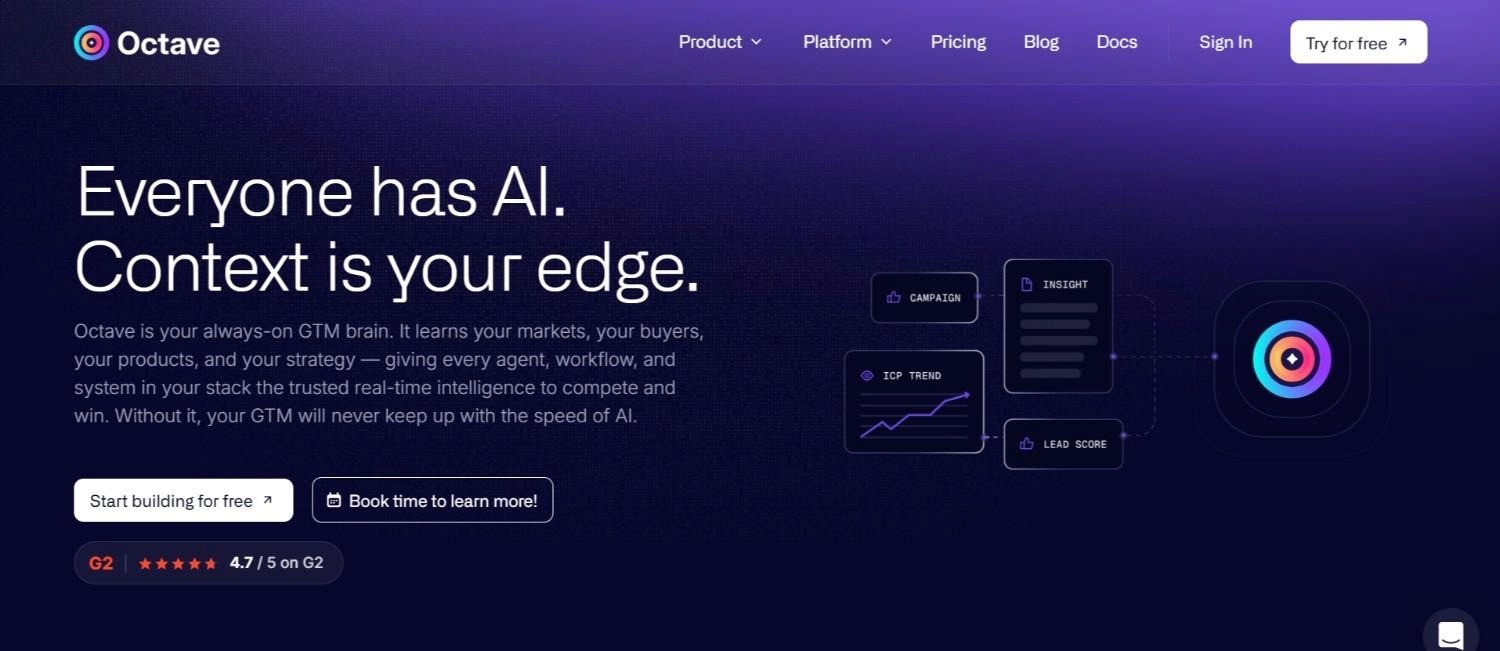
Octave is positioned for enterprise and mid-market companies that want to build durable, long-term GTM infrastructure. It's more scalable than Clay for complex organizational environments, and it brings AI-assisted messaging and workflow capabilities that go beyond what Clay offers natively.
The honest caveat: Octave requires a more technical builder to extract full value. Clay already has a steep learning curve. Octave's learning curve is steeper. If your team doesn't have someone who can own and maintain complex GTM tooling, the additional capability doesn't translate into additional output.
Ideal For
Enterprise and mid-market companies building long-term GTM infrastructure
Technical GTM leaders who want more scalability than Clay offers
Organizations with dedicated RevOps or GTM engineering resources
Teams that need AI-assisted messaging at scale, not just data enrichment
Key Services
AI-assisted messaging and personalization workflows
GTM infrastructure automation for complex organizational environments
Integration with CRM and outbound sequencing tools
Workflow automation that scales across larger teams
Why It's a Strong Clay Alternative
For companies that have outgrown Clay's architecture or that need something more scalable from the start, Octave offers a more stable foundation. It's built for the kind of sustainable, long-term infrastructure that enterprise GTM teams need, rather than the flexible-but-fragile workflow model that Clay allows.
Pros
More scalable than Clay for complex enterprise environments
AI-assisted messaging capabilities built into the workflow layer
Better suited for long-term GTM infrastructure than Clay's more ad-hoc model
Strong fit for organizations with technical GTM capacity
Cons
Steeper learning curve than Clay – requires a technical builder to extract value
Not suited for SMBs or teams without dedicated GTM engineering resources
Smaller community and ecosystem than Clay or Apollo
Final Verdict
Octave is worth evaluating if you're a mid-market or enterprise company that wants to build GTM infrastructure that scales and lasts. The technical barrier is real – don't underestimate it. If you don't have someone who can own the build, you'll get less value from Octave than from a simpler tool. Pair it with a fractional GTM engineer if you want to move fast.
Overview
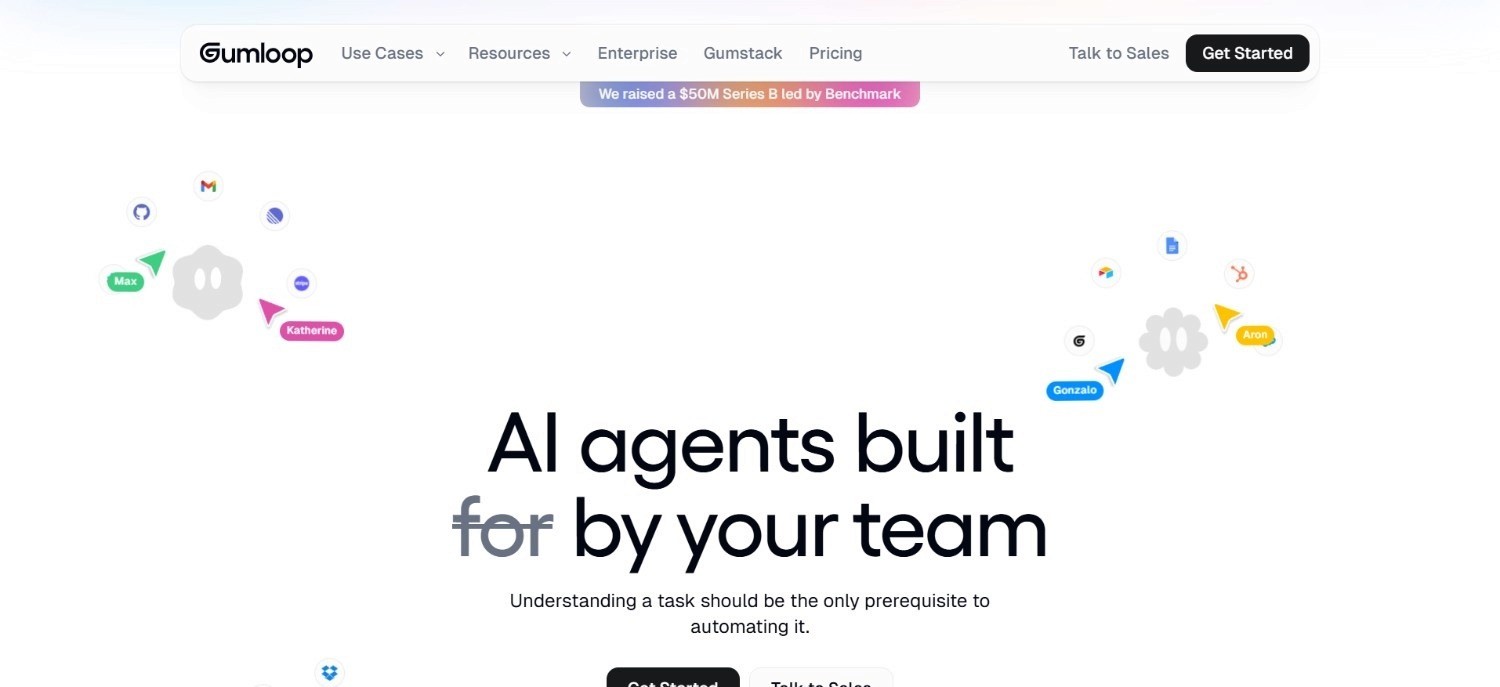
Gumloop is one of the closest conceptual replacements for Clay's workflow automation layer. It's a visual workflow builder with AI agents built into the workflow steps, and it can connect APIs, LLMs, and data tools in a modular way. For technical GTM teams that want to build custom automation without writing code, Gumloop offers a flexible canvas that replicates much of what Clay does on the automation side.
The trade-off: Gumloop doesn't come with a data layer. You assemble your own data stack, which means you need to connect your own data providers, enrichment APIs, and CRM integrations. That's more engineering work than Clay requires, but it also means you're not constrained by Clay's credit model or provider ecosystem.
Among tools like clay that prioritize workflow flexibility over an all-in-one approach, Gumloop is one of the most capable options for teams with technical capacity to build their own data stack.
Ideal For
Technical GTM teams that want to build custom automation workflows
RevOps engineers who want visual workflow building without code
Teams that already have data provider relationships and want a flexible orchestration layer
Organizations that want to replace Clay's automation layer without replacing their entire data stack
Key Services
Visual workflow builder with drag-and-drop interface
AI agent steps built into workflows
API and LLM connectors for custom data integrations
Modular architecture for building bespoke GTM automation
Why It's a Strong Clay Alternative
Gumloop is the closest thing to Clay's "build anything" automation layer in a visual interface. If what you value most about Clay is the ability to chain steps, connect APIs, and run AI-assisted research, Gumloop gives you that flexibility without Clay's credit model.
Pros
Visual workflow builder that's accessible to non-developers
AI agents built natively into workflow steps
Flexible API and LLM connectivity
Not constrained by a single data provider's coverage
Cons
No native data layer – you build your own data stack
More engineering work than Clay for teams starting from scratch
Smaller ecosystem and community than Clay
Requires technical capacity to get full value
Final Verdict
Gumloop is a strong choice for technical teams that want Clay's workflow flexibility without Clay's credit model. It's not the right choice for teams that want a turnkey solution. You're building the data stack yourself. If you have the technical capacity, it's worth evaluating alongside Clay.
Overview
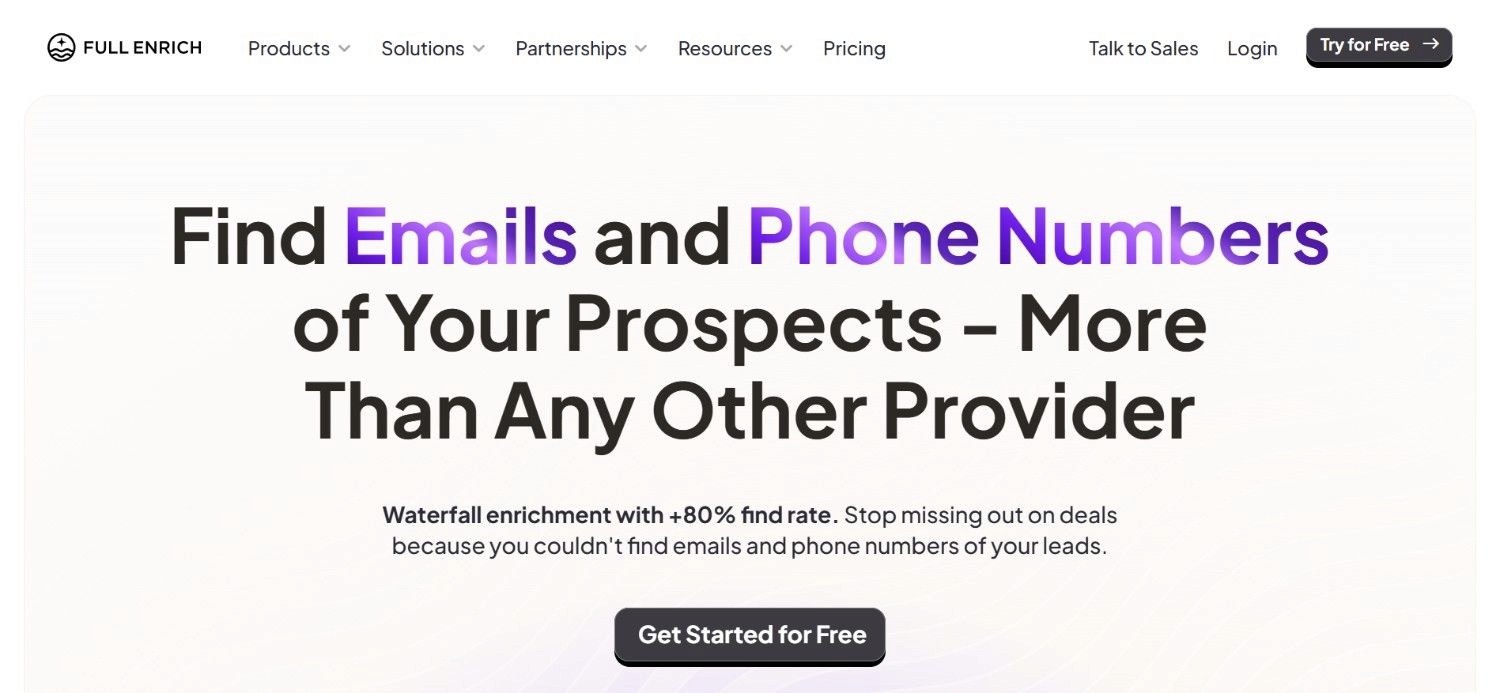
FullEnrich is a direct Clay competitor on the enrichment layer specifically. It runs waterfall enrichment across multiple data providers. The same core logic that makes Clay valuable for contact data, but in a simpler, more focused interface. It works well with automation tools like n8n, Make, and Zapier, making it a natural component in a modular GTM stack.
For teams that want to keep the waterfall enrichment concept but find Clay's full workflow builder more than they need, FullEnrich is a focused clay substitute for lead enrichment that does one thing well.
Ideal For
Teams that want waterfall enrichment without building full Clay workflows
RevOps engineers building modular stacks with n8n, Make, or Zapier
Organizations that need multi-provider enrichment at a lower cost than Clay
Teams that already have sequencing and CRM tools and just need the enrichment layer
Key Services
Waterfall enrichment across multiple data providers
Enrichment API for integration with automation tools
Contact data enrichment (email, phone, firmographics)
Integration with n8n, Make, Zapier, and similar tools
Why It's a Strong Clay Alternative
FullEnrich keeps the core value of Clay's waterfall logic without requiring you to build and maintain full Clay workflows. For teams that find Clay's full feature set more than they need, FullEnrich is a focused, cost-effective alternative for the enrichment layer specifically.
Pros
Keeps waterfall enrichment logic without Clay's full complexity
Works well with existing automation tools (n8n, Make, Zapier)
Generally simpler and more affordable than Clay for enrichment-only use cases
Focused on doing one thing well
Cons
Enrichment-only – no workflow builder, sequencing, or CRM automation
You still need separate tools for the rest of your GTM stack
Smaller ecosystem than Clay
Final Verdict
FullEnrich is the right choice if waterfall enrichment is the specific Clay capability you need and you're comfortable assembling the rest of your stack separately. It's not a full Clay replacement. It's a replacement for Clay's enrichment layer specifically.
Overview
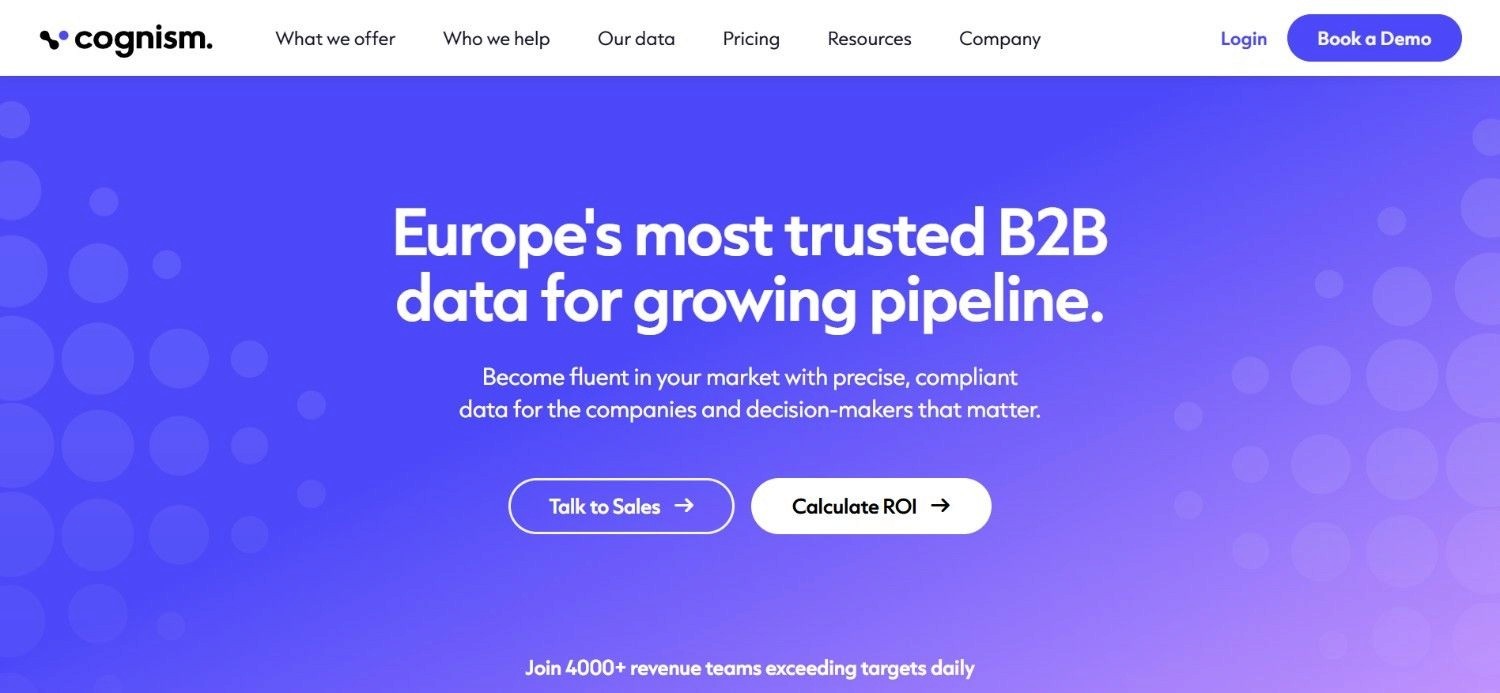
Cognism is the strongest option for teams targeting European markets. It provides GDPR-compliant contact data with phone-verified direct dials, which is a meaningful differentiator for teams that need to reach contacts in the UK, Germany, France, and other EMEA markets where data compliance is a real operational concern.
For North American-focused teams, Cognism's compliance advantage is less relevant, and its data coverage may not match ZoomInfo or Apollo for US-centric ICPs.
Ideal For
B2B sales teams with significant EMEA pipeline targets
Companies that need GDPR-compliant contact data for European outreach
Teams that prioritize phone-verified direct dials for cold calling
Enterprise teams with compliance requirements around contact data
Key Services
GDPR-compliant B2B contact database
Phone-verified direct dial numbers
Firmographic and technographic data
CRM integrations and enrichment workflows
Why It's a Strong Clay Alternative
For EMEA-focused teams, Cognism solves a problem that Clay doesn't address natively: data compliance. Clay can connect to Cognism as a data provider, but if you're building a stack specifically for European outreach, Cognism as a primary data source removes compliance risk that other tools introduce.
Pros
Strong GDPR compliance for European contact data
Phone-verified direct dials with high accuracy
Good coverage for UK and Western European markets
Established platform with enterprise-grade compliance infrastructure
Cons
Less relevant for North American-focused teams
More expensive than some alternatives for the data coverage provided
Limited workflow flexibility compared to Clay
Not a full Clay replacement – primarily a data source
Final Verdict
Cognism is the right choice for teams with meaningful EMEA pipeline targets who need compliant contact data. For North American-focused teams, it's less compelling. It's best used as a data source inside a broader GTM stack rather than as a standalone Clay replacement.
Overview
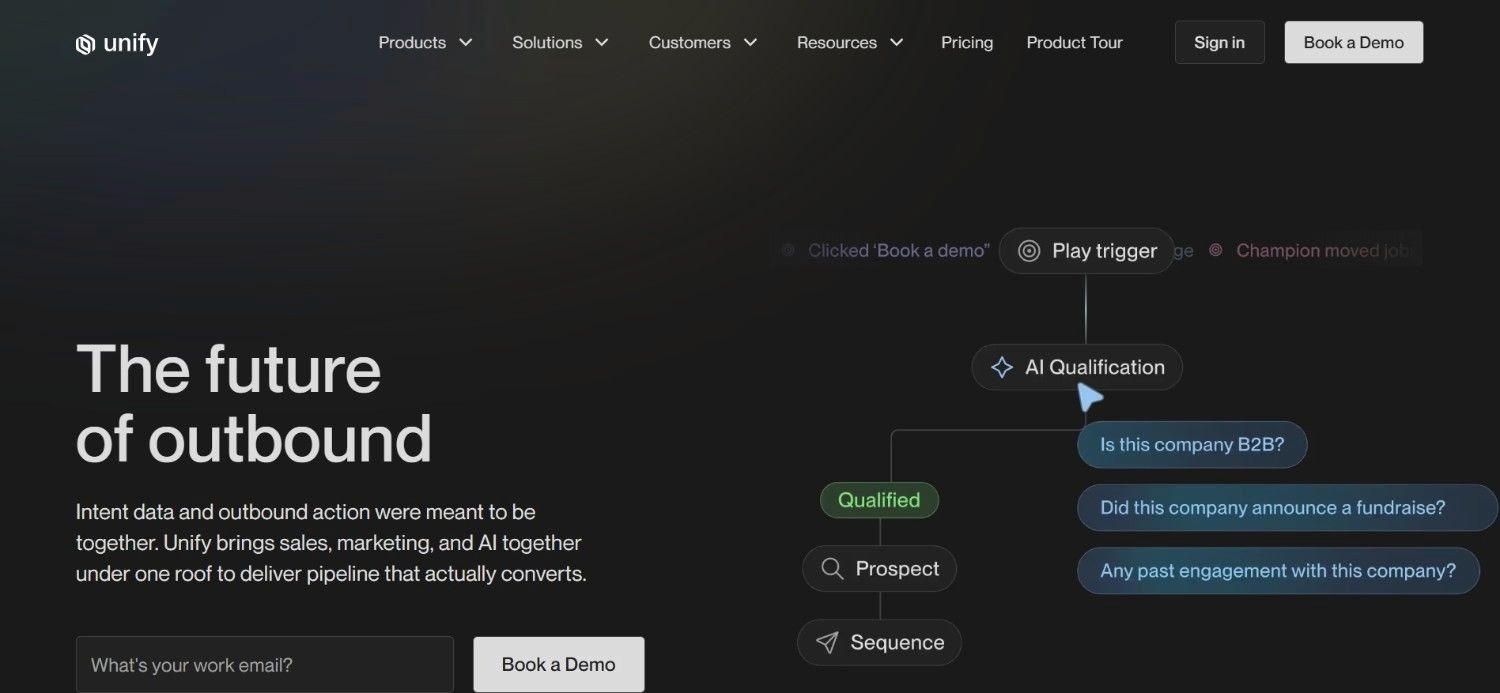
Unify is philosophically similar to Clay in that it's looking for signals and information in the wild and organizing that information in a way that feeds into your GTM motion and CRM. The difference is in positioning: Unify is built for mid-market to enterprise companies with established GTM motions, dedicated sellers, and the technical capacity to configure and maintain a signal-based system.
For companies with high average contract values and a working outbound motion, Unify can be an effective layer on top of existing infrastructure. For companies still figuring out their ICP or building their first outbound system, it's more tool than they need.
Ideal For
Mid-market to enterprise companies with established GTM motions
Revenue teams with high ACV that justify investment in signal-based infrastructure
Organizations with dedicated sellers who can act on intent signals
Companies that have outgrown volume-based outbound and want to move to signal-triggered micro-campaigns
Key Services
Intent signal aggregation from multiple sources
CRM routing based on signal triggers
Account prioritization based on buying signals
Integration with existing GTM infrastructure
Why It's a Strong Clay Alternative
Unify addresses the same core problem Clay addresses: finding the right accounts at the right time. But through a signal-aggregation lens rather than a workflow-building lens. For enterprise teams that want to move from volume outbound to signal-based outbound without building Clay workflows, Unify offers a more structured path.
Pros
Strong signal aggregation for account prioritization
Built for established GTM motions with dedicated sellers
Can be combined with other tools in a broader GTM stack
Philosophically aligned with signal-based outbound principles
Cons
Requires high ACV to justify the investment
Not suited for SMBs or early-stage teams without established GTM motions
Requires technical capacity to configure and maintain
Not a full Clay replacement – focused on the signal layer
Final Verdict
Unify is worth evaluating for mid-market and enterprise teams that have a working GTM motion and want to add a signal layer on top of it. It's not the right starting point for teams still building their first outbound system. The value compounds when you have sellers who can act on signals quickly. Without that, the signal layer doesn't translate into pipeline.
Overview
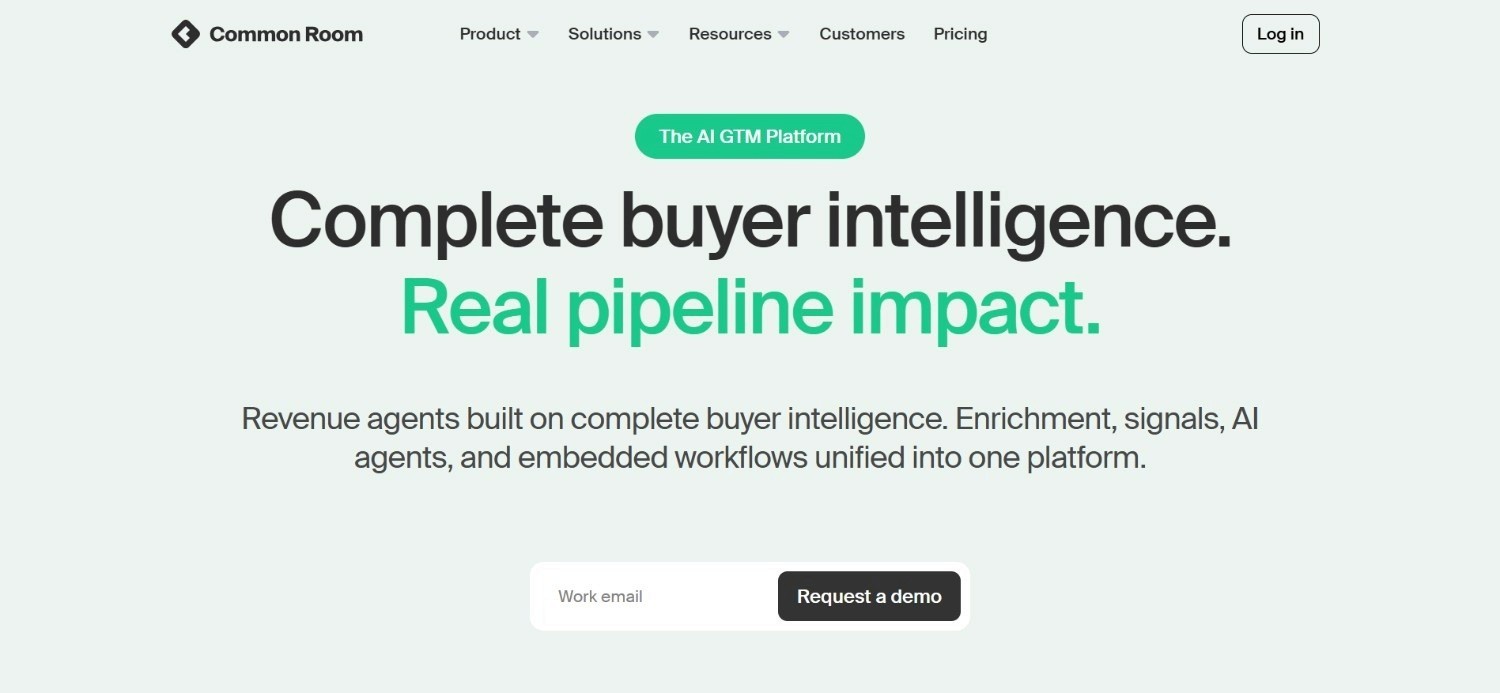
Common Room aggregates signals across product usage, community activity, social data, and other sources to identify high-intent accounts and contacts. It's particularly well-suited for product-led growth and community-led growth companies that have meaningful product usage data or community engagement to work with.
For pure outbound teams without a product-led motion, Common Room's signal sources are less relevant. Its strength is in connecting product and community signals to sales workflows – a use case that Clay doesn't address natively.
Ideal For
Product-led growth companies with meaningful product usage data
Community-led growth teams with active user communities
Mid-market to enterprise companies with established GTM motions
Revenue teams that want to connect product signals to sales outreach
Key Services
Signal aggregation across product, community, and social data
Account and contact identification from signal activity
CRM integration and routing based on signal triggers
Intent-based outreach triggering
Why It's a Strong Clay Alternative
Common Room solves a specific problem that Clay doesn't address well: connecting product and community signals to sales workflows. For PLG companies, this is a meaningful capability. The ability to identify when a free user is showing enterprise-level usage patterns, and route that signal to a sales rep, is something Clay can approximate with custom workflows but Common Room handles more natively.
Pros
Strong signal aggregation for PLG and community-led motions
Native integration of product, community, and social signals
Good fit for mid-market to enterprise companies with established GTM motions
Can be combined with other tools in a broader GTM stack
Cons
Not suited for pure outbound teams without product or community signals
Requires established GTM motion and technical capacity
Not a full Clay replacement for data enrichment or workflow automation
Higher complexity than most SMB teams need
Final Verdict
Common Room is the right choice for PLG and community-led growth companies that want to connect product and community signals to sales workflows. For pure outbound teams, it's not the right fit. It works best as a signal layer inside a broader GTM stack, not as a standalone Clay replacement.
The "Replace Clay with a Stack" Approach
One pattern worth addressing directly: many teams don't replace Clay with a single tool. They split Clay's functionality across a purpose-built stack:
Data: Apollo.io, ZoomInfo, or Cognism as the primary data source
Waterfall enrichment: FullEnrich or similar enrichment APIs
Workflow automation: Gumloop, n8n, or Make
CRM: HubSpot or Salesforce
Sequencing: Lemlist, Smartlead, or Instantly.ai
This approach is generally more cost-effective than Clay for high-volume enrichment. The trade-off is engineering complexity. You're building and maintaining integrations between multiple tools instead of working inside a single interface.
The GTM Engineering Company builds exactly this kind of architecture for clients. The key is cost-engineering the stack from the start: routing tasks to the cheapest capable tool, building waterfall logic that reduces wasted API calls, and documenting everything so the system is maintainable. Done correctly, this approach can process large volumes of leads at a fraction of what Clay credits would cost for the same output.
What Makes a Good Clay Alternative?
1. Data Flexibility – Can You Pull from Multiple Providers?
Clay's core value is the ability to chain multiple data providers in a waterfall. A good alternative either replicates this natively (FullEnrich, Cleanlist) or gives you the workflow flexibility to build it yourself (Gumloop, n8n). All-in-one tools like Apollo and ZoomInfo don't offer this. You're locked to their database. That's a meaningful trade-off depending on your ICP and data coverage needs.
2. Technical Barrier – Who Will Build and Maintain This?
Clay has a steep learning curve. Some alternatives (Octave, Gumloop) have steeper ones. Others (Apollo, Lusha) are significantly simpler. Before evaluating features, be honest about who on your team will own this tool. If the answer is "no one specific," you need a simpler tool or an external Clay solutions partner to build and maintain the system.
3. Market Segment Fit – SMB, Mid-Market, or Enterprise?
The right tool depends heavily on your market segment. Apollo is well-suited for SMBs. ZoomInfo and Octave are better fits for enterprise. Clay sits in the middle. Unify and Common Room require established GTM motions with high ACV to justify the investment. Match the tool to your segment before evaluating anything else.
4. Workflow Automation – Can You Build Signal-Based Triggers?
The most effective outbound in 2026 is triggered by real events: funding rounds, job changes, traffic spikes, new hires, product usage patterns. A good Clay alternative should either support signal-based triggering natively or integrate with tools that do. Volume-based outbound without signal logic produces lower reply rates and wastes your team's time.
5. Cost Architecture – How Does Pricing Scale with Volume?
Clay's credit model is unpredictable at scale without careful cost engineering. Evaluate alternatives based on how pricing scales with your actual enrichment volume. Credit-based models (Clay, FullEnrich) require careful workflow design to avoid waste. Subscription models (Apollo, Gumloop) are more predictable but may not scale efficiently at very high volumes. Build a cost model before committing.
How to Choose the Right Clay Alternative for Your Needs
If you're selling to SMBs, Apollo.io is the fastest path to a working outbound system. If you're selling to enterprises, ZoomInfo's data depth or Octave's infrastructure capabilities are more relevant. If you're in the mid-market, Clay itself or a Clay-like tool (BitScale, Sync ETM) with a fractional GTM engineer to build the workflows is often the right answer.
Who will build the workflows? Who will maintain them when something breaks? Who will iterate on them as your ICP evolves? If the answer is "we don't have that person," you have two options: choose a simpler tool (Apollo, Lusha) or hire an external technical capacity (fractional GTM engineer). Don't choose a complex tool and assume someone will figure it out.
Clay does several things: waterfall enrichment, workflow automation, AI-assisted research, and data provider orchestration. Most teams use a subset of these. If you primarily need waterfall enrichment, FullEnrich or Cleanlist may be sufficient. If you primarily need workflow automation, Gumloop is worth evaluating. If you need all of it, Clay or a custom stack is the answer.
Run a test. Take a sample of your ICP accounts and contacts and check coverage across the tools you're evaluating. Data coverage varies significantly by geography, company size, and industry. A tool with strong North American enterprise coverage may have thin coverage for European SMBs. Don't assume coverage, test it.
5. Model the Cost at Your Actual Volume
Take your expected monthly enrichment volume and model the cost across each tool you're evaluating. Credit-based tools can be significantly cheaper or more expensive than subscription tools depending on volume. Build the cost model before you commit to a contract.
6. Consider the Switching Cost
If you've already built Clay workflows, switching to a different tool means rebuilding those workflows. That's a real cost in time and engineering effort. Factor it into your evaluation. Sometimes the right answer is to fix the Clay implementation rather than switch tools.
7. Think About the Full Stack, Not Just the Tool
No single tool replaces Clay entirely. Evaluate alternatives in the context of your full GTM stack: your CRM, your sequencing tool, your data providers, your automation layer. The best Clay alternative is the one that fits cleanly into your existing infrastructure and fills the specific gap you're trying to address.
Everything You Need to Know About Clay Alternatives
Category | Key Considerations |
Top Alternatives | Apollo.io (SMB, all-in-one), ZoomInfo (enterprise data depth), Octave (enterprise infrastructure), Gumloop (workflow automation), FullEnrich (waterfall enrichment) |
Best Overall Option | Depends on segment: Apollo for SMB, ZoomInfo for enterprise data, Octave for enterprise infrastructure, FullEnrich for enrichment-only use cases |
Why Look for Clay Alternatives | Steep learning curve, unpredictable credit-based pricing at scale, difficulty scaling workflows inside organizations, no native database |
How to Choose | Match to market segment first, then assess technical capacity, then identify which specific Clay capability you need |
Pricing Models | Credit-based (Clay, FullEnrich), tiered subscription (Apollo, Gumloop, Common Room), quote-based (ZoomInfo, Cognism, Octave, Unify) |
Ease of Switching | Moderate to high switching cost if you've built Clay workflows – rebuilding takes time; simpler if you're early in your Clay adoption |
Must-Have Criteria | Data flexibility or coverage for your ICP, technical capacity to build and maintain, signal-based triggering capability, cost model that scales with your volume |
Mistakes to Avoid | Choosing a complex tool without the technical capacity to maintain it; assuming one tool replaces Clay entirely; not testing data coverage for your specific ICP before committing |
Ready to Build a GTM System That Actually Works?
Having Clay, or any tool on this list, is not the same as having a system. Most teams that struggle with Clay aren't struggling because Clay is the wrong tool. They're struggling because no one has built the workflows correctly, connected them to the CRM, or documented how they work.
The GTM Engineering Company builds that system. We're embedded fractional GTM engineers who design, ship, and document revenue infrastructure inside your CRM. We're tool-agnostic. We use whatever fits your stack, not what earns us resale margin. And we're members of the Clay Expert Program with hands-on experience across the full GTM tool landscape.
We work with VC-backed B2B SaaS teams at Seed through Series B that need enterprise-grade GTM infrastructure without the cost of a full RevOps team. If your outbound isn't generating the pipeline you need, or your CRM data is unreliable, or you're spending too much time on manual research that should be automated – that's the problem we solve.
Book a call now for a free audit and we'll help assess your current stack, identify the highest-leverage starting point, and tell you exactly what we'd build and why.
FAQs About Clay Alternatives
What is Clay used for?
Clay is a GTM data enrichment and workflow automation tool that lets B2B sales and RevOps teams pull contact and company data from multiple providers in a waterfall sequence, run AI-assisted research, and push enriched data into CRMs or sequencing tools. It sits between all-in-one tools like Apollo.io and enterprise platforms like ZoomInfo, offering more data flexibility than either but requiring more technical capacity to operate effectively.
What are the best Clay alternatives in 2026?
The best Clay alternatives in 2026 depend on your market segment and use case. Apollo.io is the most common replacement for SMBs that want an all-in-one database and sequencing tool. ZoomInfo is the standard for enterprise teams that need data depth. Octave is worth evaluating for mid-market and enterprise teams building durable GTM infrastructure. FullEnrich and Cleanlist replicate Clay's waterfall enrichment logic in a simpler interface. Gumloop replicates Clay's workflow automation layer for technical teams. Unify and Common Room address signal-based GTM motions for mid-market to enterprise companies.
What should I look for when choosing a Clay alternative?
The most important factors are data flexibility (can you pull from multiple providers or are you locked to one database), technical capacity (who will build and maintain the workflows), market segment fit (SMB tools differ significantly from enterprise tools), and cost architecture (how pricing scales with your actual enrichment volume). Test data coverage for your specific ICP before committing to any tool.
How do I choose the best Clay alternative for my needs?
Start with your market segment: Apollo for SMB, ZoomInfo or Octave for enterprise, Clay or a Clay-like tool for mid-market. Then assess your technical capacity honestly – complex tools require someone to own them. Then identify which specific Clay capability you need: waterfall enrichment, workflow automation, AI-assisted research, or all three. Finally, model the cost at your actual volume before signing a contract.
Is it easy to switch from Clay to another tool?
Switching from Clay is moderately to significantly complex depending on how many workflows you've built. If you've built extensive Clay workflows, rebuilding them in a new tool takes real time and engineering effort. If you're early in your Clay adoption, switching is easier. In some cases, the right answer is to fix the Clay implementation rather than switch, especially if the problem is workflow architecture rather than the tool itself.
Is Apollo.io better than Clay?
Apollo.io is better than Clay for SMBs and early-stage teams that want a fast, simple outbound system without building workflows. Clay is better than Apollo for teams that need data flexibility and custom workflow automation. Apollo locks you to its own database; Clay lets you orchestrate across many providers. The right choice depends on whether you need simplicity or flexibility.
What is the main difference between ZoomInfo and Clay?
ZoomInfo is a data platform. It provides a large database of contacts and companies with intent data and CRM integrations. Clay is a workflow builder that orchestrates data from multiple external providers but doesn't have its own database. ZoomInfo gives you data depth within one source; Clay gives you flexibility across many sources. Many enterprise teams use ZoomInfo as a data provider inside Clay workflows rather than choosing between them.
Is there a free version of Clay?
Clay offers a free tier with limited credits for testing and exploration. It's sufficient for evaluating the tool and building small workflows, but not for production enrichment at any meaningful volume. Most teams that use Clay seriously are on paid plans. Apollo.io also offers a free tier with limited contact exports, which is more accessible for teams that want to test an all-in-one tool before committing.
About the Author
Jorge B. Macías is the founder of The GTM Engineering Company and a Y Combinator S18 alumnus. He specializes in GTM engineering and sales automation, with proven experience helping B2B SaaS companies grow from 0 to $3M ARR. Jorge is a member of the Clay Expert Program and is featured on Clay's site as a vetted expert. He works as an embedded fractional GTM engineer for VC-backed startups at Seed through Series B, building revenue infrastructure that combines RevOps strategy, data engineering, and outbound automation. His work spans Clay workflow development, CRM architecture, signal-based outbound systems, and AI scoring layers. He is active in the Clay community, RevOps Slack groups, and GTM engineering networks, and brings a technical founder's perspective to every GTM system he builds.